
Support Worker Scheduling Software: How Can NDIS and Aged Care Providers Manage Last-Minute Shift Changes?
Last-minute shift changes can disrupt care and add pressure to busy teams. Discover how support worker scheduling software can help Australian NDIS and aged care providers review staff availability, arrange suitable replacements, communicate updates and maintain clear records. Explore practical steps to support continuity of care and key features to assess when choosing software.
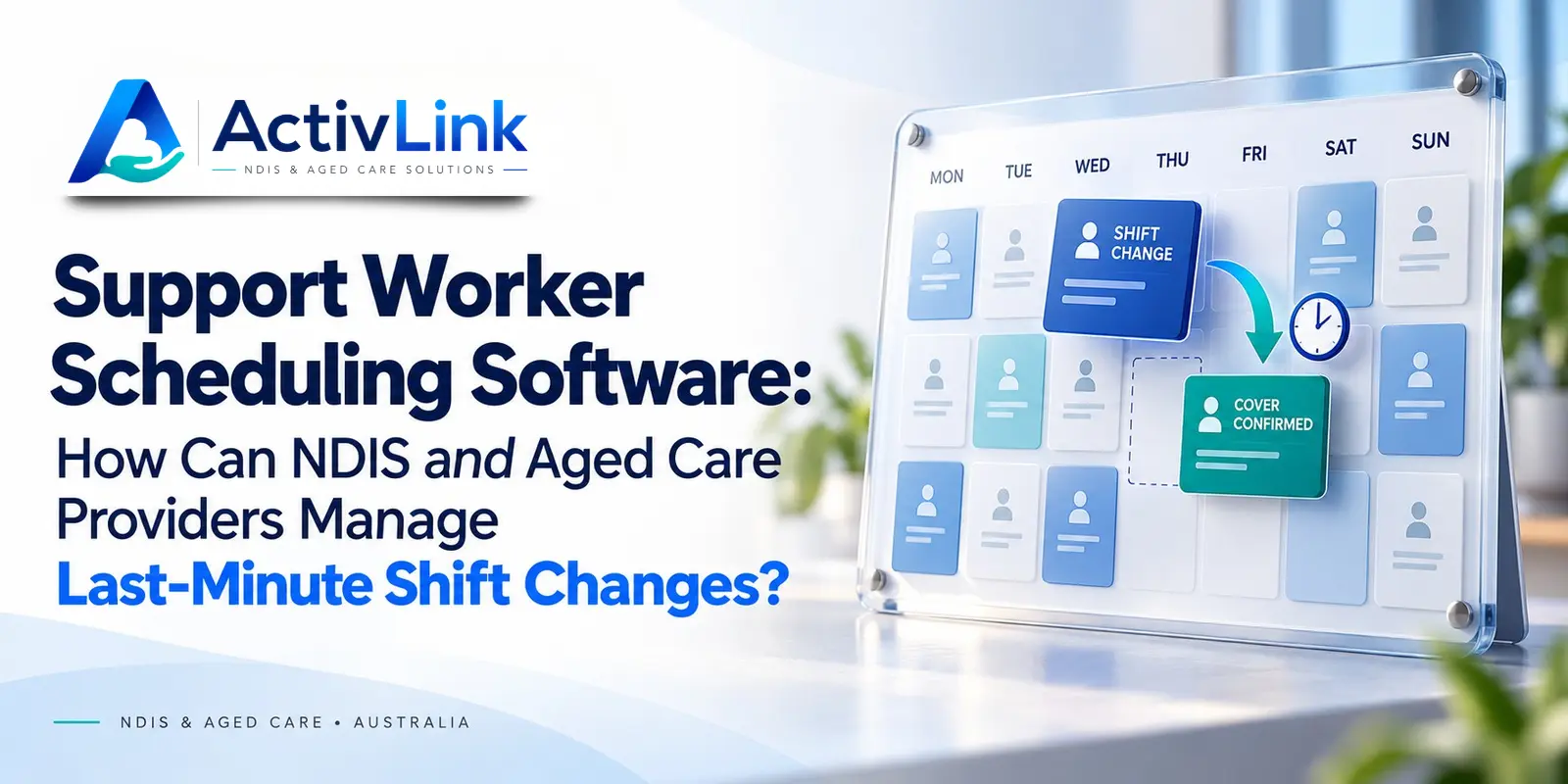
A worker calls in sick before an early visit. Another service runs late, leaving the next appointment uncovered. For Australian NDIS and aged care providers, support worker scheduling software can help coordinators respond with clearer information and fewer disconnected messages. As part of care workforce management software, it connects roster decisions with staff availability, client records and attendance, helping teams organise changes while keeping the person receiving support at the centre.
How Does Support Worker Scheduling Software Help With Urgent Changes?
Support worker scheduling software gives authorised coordinators a shared place to review affected shifts, check potential replacements, update assignments and communicate changes. However, changing a name on the roster is only one step. Providers still need to assess urgency, confirm worker suitability, involve the participant or older person and check that the revised service actually happens.
A practical response using support worker scheduling software follows six steps:
- Identify the affected services and assess immediate risks.
- Review available workers and their suitability.
- Confirm the proposed arrangement with the people affected.
- Update the correct shift and provide a clear handover.
- Check attendance and escalate unresolved gaps.
- Record the outcome and review recurring problems.
Why Last-Minute Roster Changes Need More Than a Quick Replacement?
A vacant shift can affect personal care, meals, transport or support with daily routines. Consequently, the first available worker is not automatically the right replacement. Consider the person's needs, preferences, communication requirements and the tasks involved.
The NDIS Practice Standards address continuity of supports, including suitable cover for worker absences and alternative arrangements explained and agreed with participants when interruptions are unavoidable. These requirements apply according to the provider's registration and applicable standards.
For aged care providers subject to the relevant strengthened Quality Standards, workforce planning includes preparing for absences, vacancies and shortages. This supports a planned response rather than relying entirely on urgent phone calls.
Used alongside these processes, support worker scheduling software helps organise the response. It does not remove provider responsibility for safe service delivery.
1. Assess the Service Gap Before Changing the Roster
Start by confirming which visits or shifts are affected. A worker reporting sick for the day may leave several services uncovered, including appointments managed by different coordinators.
Record the absence through your agreed process and nominate one person to coordinate the response. Then review the timing, tasks, known risks and existing contingency arrangements for each affected service.
With support worker scheduling software, teams should be able to identify the relevant assignments without relying on an outdated printed roster. Nevertheless, check the underlying information before making decisions.
Prioritise According to Individual Support Needs
Do not assume every appointment can be delayed equally. Follow the person's support or care plan and your escalation procedures to determine what needs immediate attention.
If a gap creates an immediate safety concern, activate the appropriate response promptly. Updating the system should support that action, not delay it.
2. Check Replacement Worker Availability and Suitability
Before assigning a replacement in support worker scheduling software, review who can reasonably cover the service. Availability is only the starting point: qualifications, competence, familiarity with the person and travel requirements also matter.
Use support worker scheduling software to bring relevant information together, while retaining coordinator judgement. Before confirming a replacement, check:
- Availability for the entire shift, including realistic travel time.
- Relevant skills, current checks and required qualifications.
- Existing assignments and the effect on later visits.
- Access to the information needed for the service.
- The person's preferences and any agreed support arrangements.
Review Working Hours and Roster Change Requirements
Check the applicable award or enterprise agreement, including relevant notice, consultation, breaks and overtime provisions. Requirements differ; a short-notice absence does not justify assuming every roster change follows the same rules.
Fair Work guidance explains that changes to regular rosters or ordinary hours require consultation, with additional requirements potentially set by awards or agreements. Confirm the rules applying to the proposed arrangement.
3. Agree and Communicate the Revised Support Arrangement
Once a suitable option is identified, explain the proposed change to the participant or older person. Involve their authorised representative or nominated contact where appropriate, respecting the person's communication preferences and decision-making arrangements.
Support worker scheduling software can help keep the revised assignment visible, but a notification alone does not establish that everyone understands or accepts the change.
Explain who will attend, the expected arrival time and whether the service itself will change. Confirm the worker's availability and understanding, and record relevant agreements or concerns.
For urgent changes, use your agreed direct-contact process if an email or mobile update remains unacknowledged. Share only the information needed with authorised people, rather than posting personal details in broad messaging groups.
4. Update the Correct Shift and Provide a Useful Handover
After confirming the arrangement, update the roster promptly. Otherwise, the original worker may remain assigned while the replacement receives instructions elsewhere.
When using support worker scheduling software, check whether an edit affects one appointment or a whole recurring series. A replacement for Tuesday morning should not unintentionally alter every future Tuesday.
Keep Shift Handover Information Practical
Provide the replacement with the service time, location, relevant instructions and access to current support information. Highlight changes that affect the visit, without copying unnecessary personal information into notifications.
Check that support worker scheduling software maintains an appropriate record of who changed the assignment, when it changed and why. This helps the next coordinator understand the decision without reconstructing it from separate messages.
5. Confirm Attendance and Resolve Any Remaining Gaps
A reassigned shift is not necessarily a delivered service. Check that the replacement has the information required and follow your process for confirming arrival.
Where support worker scheduling software connects with attendance records, coordinators can review missing entries and investigate exceptions. However, a missing clock-in may reflect poor connectivity or an entry problem rather than a worker's absence.
Verify the situation through the appropriate contact process before concluding. If the worker cannot attend, escalate the unresolved gap and revisit the contingency arrangement with the person receiving support.
Afterwards, reconcile the updated roster with actual attendance and service records. Do not assume the original scheduled hours automatically represent the hours worked or services delivered.
A Practical Example for NDIS and Home Care Teams
Consider this illustrative scenario: a worker becomes unavailable at 7 am before two morning visits. One supports an NDIS participant with their morning routine; the other provides an older person with planned assistance at home.
The coordinator reviews each person's needs and contingency arrangements. A familiar worker can cover the first visit, while another suitable worker can attend the second after a revised time is discussed and agreed.
Using support worker scheduling software, the coordinator updates both assignments, provides handover information and checks that the workers acknowledge the arrangements. They then follow up attendance and document any service changes.
This example shows why priorities should reflect individual needs and risks, rather than assuming one funding programme always takes precedence.
What Should Providers Test in Support Worker Scheduling Software?
Ask vendors to demonstrate an urgent reassignment using fictional records. Follow the scenario from the original absence through to the completed visit.
Check whether the platform can show availability, flag overlapping assignments, preserve recurring bookings and retain a useful change history. Also test what the worker sees after reassignment and how coordinators confirm that important updates have been received.
For mobile teams, investigate what happens when connectivity drops. In particular, ask which information remains available offline and when a newly changed roster becomes visible.
When comparing support worker scheduling software, distinguish between a feature that exists today, one that needs manual follow-up and one planned for a future release. These differences affect everyday use.
How Can Activlink Support Shift Reassignment?
Activlink's published Features page lists recurring scheduling, availability review, conflict detection, and shift reassignment with automated staff emails. It also describes browser-based mobile access, manual time approvals and audit trails. These capabilities provide a basis for evaluating its suitability for your workflow.
Providers considering support worker scheduling software should request a demonstration using their own typical scenarios. Ask how worker acknowledgement, urgent escalation and recurring-shift exceptions would be handled.
Some specialist aged care functions remain labelled as being developed or released progressively. Confirm current module availability, plan inclusions and suitability for your services before making a decision.
Managing last-minute shift changes starts with understanding your team’s workflow. Activlink helps you explore how connected scheduling tools could support staff availability, replacement workers and service updates. Bring a typical scheduling challenge to your demonstration so you can review relevant features and confirm current availability.
Our team can walk you through scheduling processes and discuss staff onboarding, mobile access and keeping clear records of roster changes. You can also ask how Activlink could fit your existing workflows and which features suit your services. This allows your team to assess practical requirements before choosing a solution.
Contact us to discuss your scheduling needs and explore how care workforce management software could support your NDIS or aged care organisation.
Related articles
Australian-Built Care Management Software vs Generic CRM: Which Suits NDIS and Aged Care Providers?
Choosing between Australian-built care management software and a generic CRM? Explore how they compare across rostering, client records, attendance, billing, implementation and costs. This practical guide helps Australian NDIS and aged care providers assess their options and choose software that suits their team’s everyday operations.
NDIS Workforce Reporting Software: Which Reports Should Providers Review Weekly?
Discover how NDIS workforce reporting software can help Australian providers review seven key areas each week, from roster coverage and attendance to staff availability and billing readiness. Learn what to check, how to interpret reporting gaps and which actions can support more organised care operations.
NDIS Staff Management Software Australia: How to Manage Your Support Workforce More Efficiently
Discover how NDIS staff management software helps Australian providers streamline staff records, rostering, leave, attendance, compliance and workforce coordination. Learn how a connected system can reduce manual admin, improve visibility and support more efficient care operations.