
NDIS Workforce Reporting Software: Which Reports Should Providers Review Weekly?
Discover how NDIS workforce reporting software can help Australian providers review seven key areas each week, from roster coverage and attendance to staff availability and billing readiness. Learn what to check, how to interpret reporting gaps and which actions can support more organised care operations.
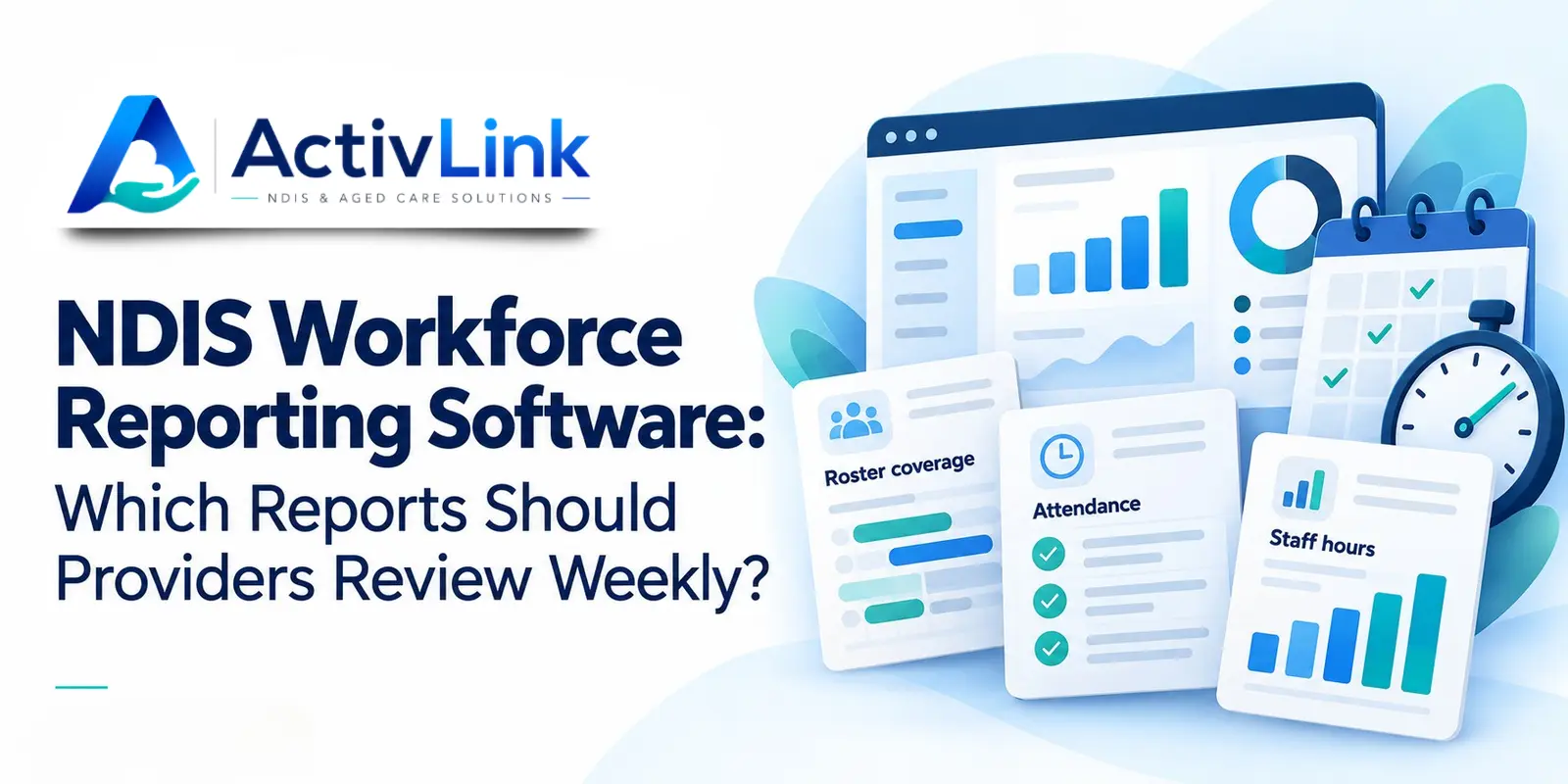
Managing a care workforce involves more than filling shifts. Providers also need to review attendance, check staff hours and identify records requiring attention. NDIS workforce reporting software helps bring this information together for clearer weekly decisions. As part of care workforce management software, reporting tools can help Australian NDIS providers identify staffing gaps, follow up on incomplete records and keep daily operations organised.
Providers should consider reviewing roster coverage, rostered versus recorded hours, attendance exceptions, pending approvals, staff availability, workforce documents and billing readiness each week. This is a suggested management routine, rather than a universal NDIS reporting requirement. Urgent service or safety concerns need attention when they arise.
What Is NDIS Workforce Reporting Software?
NDIS workforce reporting software refers to tools that organise workforce information into reports for provider managers and coordinators. These reporting capabilities may form part of a broader care management platform rather than a separate product.
Depending on the system, reports can draw on rosters, attendance records, time approvals, staff information and service data. Bringing these records together helps teams investigate differences and follow up on incomplete information.
Activlink provides workforce management capabilities that include reporting alongside scheduling, attendance, staff records and related operations. Therefore, when evaluating NDIS workforce reporting software, consider how reporting connects with the everyday activities that generate the information.
For example, a roster shows who is scheduled to work, while an attendance record shows recorded start and finish times. Comparing them can highlight questions requiring review. However, a clock-in alone does not establish that every planned support was delivered or that every recorded minute is billable.
Which Weekly Workforce Reports Should NDIS Providers Prioritise?
Providers should use NDIS workforce reporting software to review information that helps resolve current problems and prepare for the coming week. Start with roster coverage to identify unfilled shifts, then compare planned hours with recorded attendance. Next, check incomplete time entries, pending approvals and changes in staff availability. Review workforce documents for missing or outdated information, and examine approved hours alongside service records to identify billing delays. Each review should lead to a clear action, such as arranging suitable cover, requesting clarification, assigning an approver or resolving an invoice discrepancy.
1. Roster Coverage Reports: Are Upcoming Shifts Filled?
Begin by checking the next seven days. Identify unassigned shifts, recent cancellations and assignments that still need confirmation. Then consider whether the available workers are suitable for the participant and the support required.
NDIS workforce reporting software can make this review more manageable when scheduling information is current. Nevertheless, an assigned name does not automatically mean the arrangement meets a participant’s needs.
Review Staffing Gaps Alongside Participant Preferences
The NDIS Commission’s workforce planning guidance emphasises matching workforce capability, availability and location with participant needs and preferences. Apply that context when reviewing coverage, rather than treating every vacant shift as interchangeable.
Record who will arrange cover and when they will confirm it. For recurring problems, review the underlying roster pattern. Repeated gaps on Friday afternoons, for example, may indicate that regular staff availability no longer matches service demand.
2. Rostered Versus Actual Hours: Where Do Records Differ?
Next, compare planned hours with recorded attendance. Keep original time entries distinguishable from reviewed or approved hours so adjustments remain understandable.
NDIS workforce reporting software should help teams examine differences without assuming that every variation is an error. A shift might finish early, run longer with appropriate agreement, or contain a time entry that needs correction.
Use a Simple Hours Variance Example
Suppose a fictional provider rosters 120 hours and records 126 hours for the same shifts. The difference is six hours, or 5% above the rostered total. That figure identifies something to investigate; it does not explain the cause.
Check individual entries, service records and authorised changes before drawing conclusions. Similarly, recorded hours below the rostered total should prompt questions about cancellations, incomplete entries or service changes.
3. Attendance Exception Reports: Which Entries Need Checking?
Review missing clock-ins, missing clock-outs, duplicate entries and unexpectedly long shifts. These exceptions can make the weekly attendance picture unreliable until someone checks them.
Used consistently, NDIS workforce reporting software can help coordinators focus on records requiring attention instead of checking every completed entry manually. Ask workers for clarification while the shift is still recent.
However, avoid treating missing digital records as proof of non-attendance. A worker may have experienced a device problem or delayed synchronisation. Cross-check the available information, document corrections and preserve the reason for each change.
4. Pending Timesheet Approvals: What Is Holding Up Administration?
Recorded time and approved time serve different purposes. A weekly review in NDIS workforce reporting software helps identify entries awaiting a manager’s decision, clarification or supporting information.
NDIS workforce reporting software is most useful here when reviewers can see the relevant worker, shift, date and approval status. Prioritise older unresolved entries and agree who is responsible for checking them.
In addition, distinguish attendance approval from payroll and invoicing decisions. Approving a time record does not, by itself, confirm the correct pay treatment or make the full duration chargeable to a participant.
5. Staff Availability Reports: Can Your Team Cover Next Week?
Review planned leave, changed availability and repeated reliance on the same workers. These patterns can reveal coverage pressure before the next roster becomes difficult to fill.
NDIS workforce reporting software can support this conversation, but managers also need to speak with workers. Availability records may not capture every practical constraint, and consistently filling gaps with one person may create an unsustainable arrangement.
Interpret Support Worker Utilisation Carefully
If you measure utilisation, define the calculation first. Participant-facing hours divided by total paid working hours measures something different from assigned hours divided by available hours.
Training, supervision, meetings and travel may explain part of the difference. Therefore, do not use a single utilisation percentage as a standalone judgement of worker performance or care quality.
6. Workforce Document Reports: What Needs Follow-Up?
A weekly document review can highlight missing information, upcoming expiry dates and outstanding training records where your system captures those details. Prioritise items relevant to upcoming assignments.
When evaluating NDIS workforce reporting software, check whether it provides document storage, expiry reporting, alerts or a combination. Storing a file is different from automatically monitoring its validity.
Assign follow-up actions to the appropriate person and restrict access to sensitive workforce information. For example, an approaching document expiry should have a named owner and a follow-up date. Software supports organised records; providers still need appropriate oversight and processes.
7. Billing Readiness Reports: Do Approved Hours Match Service Records?
Finally, review completed services that are waiting on documentation, time approval or a billing check. Keep these stages separate so your administration team can identify the actual reason for a delay.
NDIS workforce reporting software can support reconciliation when staff time connects with service records. Check the participant, service date, approved duration and applicable agreement before progressing an invoice.
For example, a longer attendance record should prompt review rather than automatically increasing a charge. Any billing decision needs to reflect the service delivered and the applicable arrangements. This review helps teams identify questions early, before information is copied into another system.
How Can Providers Make Weekly Workforce Reporting Useful?
Choose a consistent reporting period and assign one person to coordinate the review. Then record each issue, its owner, the next action and a follow-up date. Start the next meeting by checking what remains unresolved.
Before comparing results, confirm that NDIS workforce reporting software is using consistent filters, dates and status definitions. A report including cancelled shifts cannot be compared fairly with one that excludes them.
Use NDIS workforce reporting software to keep the meeting focused on decisions. A dashboard full of numbers is less useful than a short list of problems that someone can resolve.
How Does Activlink Connect Workforce Management and Reporting?
Activlink is a care workforce management platform that brings staff, rostering, attendance, records and related administration together. Reporting is one part of this connected approach, helping authorised teams review information generated through daily operations.
Its published features include attendance workflows, manual time approvals, audit trails and CSV or PDF reporting exports. For providers researching NDIS workforce reporting software, these connections are relevant because reporting depends on the quality and accessibility of the underlying records.
During a demonstration, ask which report layouts, filters and calculations are available for your organisation. The weekly reviews in this guide describe useful management tasks; they should not be interpreted as a list of ready-made Activlink reports.
Assess Reporting Within Your Wider Care Operations
Ask suppliers to demonstrate your reporting questions using sample data. Check staff and client views, export formats, permissions and the ability to trace figures back to source records.
When comparing NDIS workforce reporting software, also consider the work required to keep information accurate. Useful reporting depends on clear responsibilities, reliable data entry and managers who follow through on the findings.
Want a clearer view of your team’s weekly operations? Contact us to discuss your reporting needs, explore available features and see how they fit your organisation’s daily workflows. If you are exploring NDIS workforce reporting software, Activlink is care workforce management software for Australian NDIS and aged care providers, with reporting capabilities alongside rostering, attendance and staff records. Book a demo or start your 14-day free trial to explore how Activlink can support more organised workforce administration.
Related articles
NDIS Staff Management Software Australia: How to Manage Your Support Workforce More Efficiently
Discover how NDIS staff management software helps Australian providers streamline staff records, rostering, leave, attendance, compliance and workforce coordination. Learn how a connected system can reduce manual admin, improve visibility and support more efficient care operations.
How Support Worker Management Software Improves NDIS and Aged Care Compliance in Australia
Discover how support worker management software can help Australian NDIS and aged care providers strengthen compliance, manage worker records, improve rostering, track qualifications, maintain audit trails and reduce manual administration. Learn how connected NDIS and aged care software can support clearer, more efficient and audit-ready care operations.