
Australian-Built Care Management Software vs Generic CRM: Which Suits NDIS and Aged Care Providers?
Choosing between Australian-built care management software and a generic CRM? Explore how they compare across rostering, client records, attendance, billing, implementation and costs. This practical guide helps Australian NDIS and aged care providers assess their options and choose software that suits their team’s everyday operations.
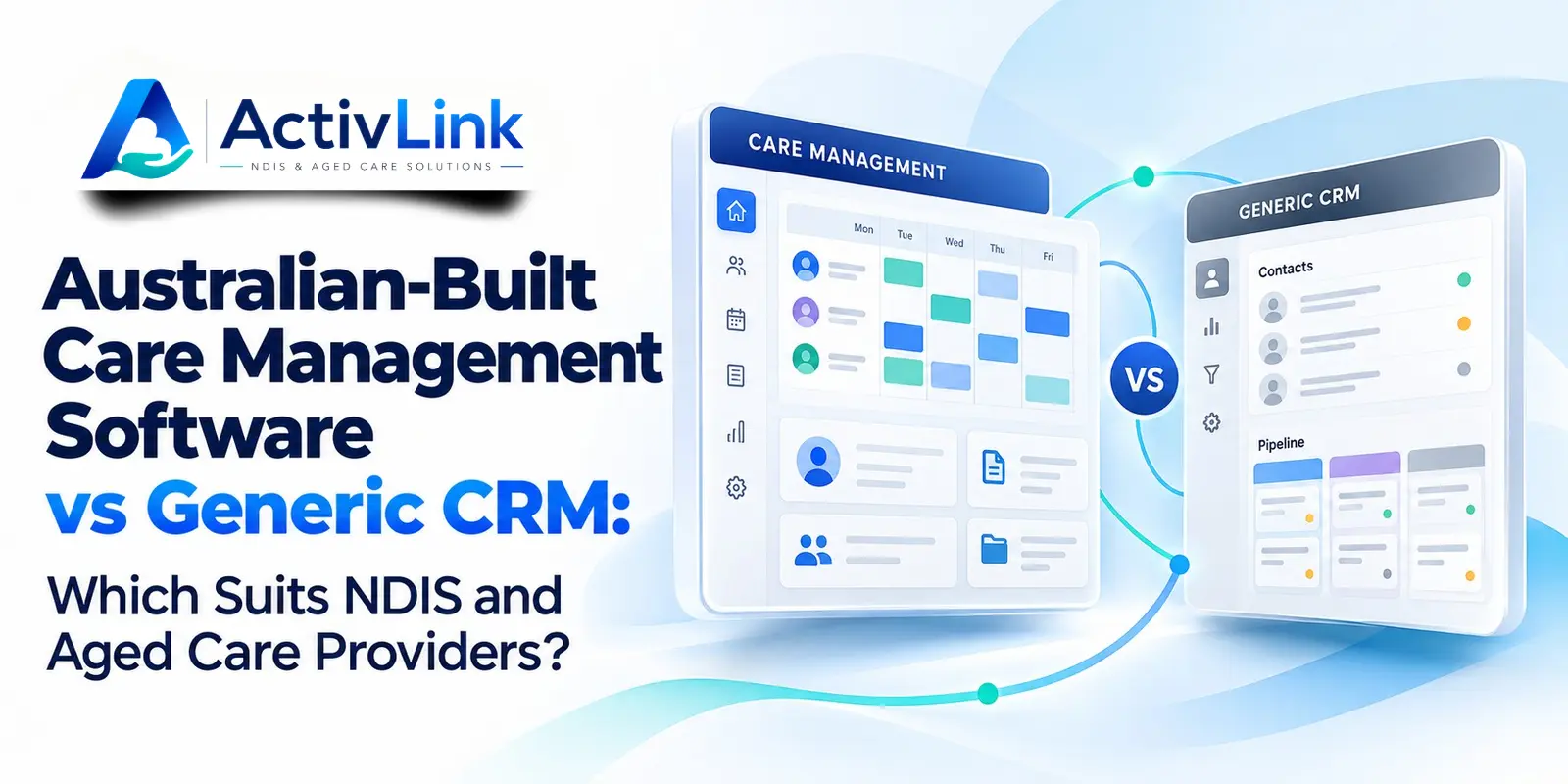
Choosing Australian-built care management software involves more than comparing contact lists and subscription fees. NDIS and aged care providers need systems that suit their people, services and daily responsibilities. When evaluating an Australian care software company, consider its sector knowledge, implementation approach and available functionality. The right choice depends on the tasks your organisation needs to manage, the configuration it can support and how well each platform fits everyday operations.
Which Software Suits Your Care Organisation?
Australian-built care management software may be the stronger fit when your main challenges involve rosters, staff availability, attendance, service records and billing. A generic CRM may suit organisations primarily managing enquiries, referrals, relationships and follow-up activities. Some providers need both, connected through a carefully planned process.
The useful comparison is between actual workflows, implementation effort and total cost. Neither a local development address nor a long feature list proves that a platform will suit your organisation.
What Is Australian-Built Care Management Software?
Australian-built care management software is developed in Australia to help organisations coordinate care-related activities. Depending on the product, it may connect client information, workforce scheduling, attendance, documentation and financial administration.
However, development location, business ownership, data hosting and customer support are separate matters. Ask suppliers to explain each one. A locally developed platform may use overseas services, while an overseas-developed product may offer Australian hosting.
What Makes a Care Platform Relevant to Local Providers?
The value of Australian-built care management software should come from demonstrable suitability. Look for relevant terminology, practical workflows, clear release information and support arrangements that match your operating hours.
For example, a provider coordinating home visits needs to assess travel time in scheduling, worker availability and access to current client information. A provider delivering both disability support and aged care should test each service stream separately.
What Does a Generic CRM Do?
A customer relationship management system, or CRM, organises information about customers, prospects and interactions. Typical uses include enquiry tracking, referral follow-up, communication histories and relationship management.
Generic CRMs can also support custom fields, automation and integrations. Some can be extensively configured for care organisations. Therefore, assess the proposed solution rather than assuming all CRMs have the same limitations.
When comparing Australian-built care management software with a CRM, distinguish standard functionality from paid extensions, custom development and manual workarounds. Ask who maintains those additions when requirements change.
Care Management Software vs CRM: Practical Comparison
The following table describes common evaluation areas, not guaranteed features of every product.
| Evaluation area | Specialist care management platform | Generic CRM |
|---|---|---|
| Main purpose | Coordinate care delivery and operational records | Manage relationships, enquiries and interactions |
| Workforce scheduling | May include recurring shifts and staff availability | May require configuration or another scheduling tool |
| Client information | May connect records with services and shifts | Often starts with contact records and interaction histories |
| Attendance and notes | May connect worker entries with scheduled services | May need additional applications or tailored workflows |
| Billing | May support relevant service and invoice processes | May require accounting connections or custom setup |
| Implementation | Requires data preparation, testing and training | May also require substantial workflow design |
| Best fit | Providers prioritising connected care operations | Organisations prioritising relationship management |
Australian-built care management software should still be tested against your requirements. A specialist label does not confirm integration quality, ease of use or complete coverage.
How Should NDIS Providers Compare Workforce Workflows?
For NDIS organisations, Australian-built care management software should be assessed through a complete service scenario. Start with a client record, schedule support, assign an available worker, record attendance and review the information needed for billing.
Then introduce an exception. What happens when a worker becomes unavailable, a shift changes, or a note needs correction? The demonstration should show who receives the update and how the change is recorded.
Ask whether your team can find staff qualifications, service agreements and relevant records without repeatedly checking separate spreadsheets. Also, distinguish invoice generation, claim-file exports and direct claim submission: they are different capabilities.
What Should Aged Care Providers Check?
Aged care providers assessing Australian-built care management software should begin with their service model. Home visits, transport and domestic assistance can create different scheduling and documentation needs from residential services.
For Support at Home or CHSP services, ask the supplier to demonstrate applicable workflows rather than relying on a broad aged care label. Check which functions are live, which are being tested and which remain planned.
Where clinical records or medication workflows are required, assess those explicitly. Workforce management functionality should not be assumed to replace a clinical care system.
Does Australian-Built Software Guarantee Privacy or Compliance?
No. Australian-built care management software does not automatically make a provider compliant. Useful controls can support responsible operations, but governance, staff practices and appropriate oversight remain essential.
For privacy, examine access permissions, authentication, backups, activity histories and incident response arrangements. Ask where information is stored and whether overseas personnel or subcontractors can access it. Australian hosting alone does not answer every privacy question.
Compliance requirements also differ between NDIS and aged care services. Review the relevant NDIS Practice Standards and strengthened Aged Care Quality Standards where applicable to your organisation. Software should support your processes rather than replace them.
How Much Does Care Software Really Cost?
Compare Australian-built care management software and CRM options using the same operating assumptions. Include staff numbers, active clients, required modules and the period being assessed.
Request a written breakdown covering subscriptions, implementation, migration, training, integrations, support and data export. For a CRM, include the cost of designing and maintaining specialist workflows. For a care platform, check whether essential functions require a higher plan.
An inexpensive subscription can become costly if staff repeatedly copy information between systems. Conversely, a comprehensive platform may offer poor value if your organisation uses only a small part of it.
How Can Providers Test Software Before Committing?
Evaluate Australian-built care management software using a short, repeatable checklist:
- Document three operational problems you want to solve.
- Separate essential capabilities from optional preferences.
- Prepare fictional client and staff records for testing.
- Run the same service scenario in each shortlisted platform.
- Test permissions, corrections, exports and common exceptions.
- Ask a coordinator and frontline worker to assess usability.
- Confirm inclusions, support and release status in writing.
For example, imagine a coordinator arranging several weekly home visits. One worker requests leave, another becomes unavailable and a completed service needs review before invoicing. Can the team follow the changes without losing context?
A useful Australian-built care management software trial should reveal remaining manual tasks as clearly as successful workflows. Record those gaps before deciding whether to purchase, configure or integrate.
Where Does Activlink Fit?
Activlink positions its platform around Australian care workforce and operational needs. Its published features include rostering, staff availability, attendance, client records, permissions and NDIS billing functions, subject to plan inclusions.
Workers can access a browser-based Progressive Web App. Providers should confirm current capabilities, suitability and any integration requirements during a demonstration.
Activlink currently describes NDIS workflows as live and aged care modules as being in beta or phased development. Aged care organisations should confirm access and available workflows before making a purchasing decision.
When assessing Australian-built care management software, ask Activlink to demonstrate your priorities alongside any existing CRM or accounting tools you intend to retain.
To explore Australian-built care management software, contact us to arrange a 15-minute demo. As an Australian care software company, Activlink can discuss your NDIS and aged care requirements, explain current module availability and help you assess whether its approach suits your organisation.
Related articles
NDIS Workforce Reporting Software: Which Reports Should Providers Review Weekly?
Discover how NDIS workforce reporting software can help Australian providers review seven key areas each week, from roster coverage and attendance to staff availability and billing readiness. Learn what to check, how to interpret reporting gaps and which actions can support more organised care operations.
NDIS Staff Management Software Australia: How to Manage Your Support Workforce More Efficiently
Discover how NDIS staff management software helps Australian providers streamline staff records, rostering, leave, attendance, compliance and workforce coordination. Learn how a connected system can reduce manual admin, improve visibility and support more efficient care operations.
How Support Worker Management Software Improves NDIS and Aged Care Compliance in Australia
Discover how support worker management software can help Australian NDIS and aged care providers strengthen compliance, manage worker records, improve rostering, track qualifications, maintain audit trails and reduce manual administration. Learn how connected NDIS and aged care software can support clearer, more efficient and audit-ready care operations.