
How Should Care Teams Record Kilometres, Travel Time and Expenses in an NDIS Support Worker App?
A worker drives 12 kilometres in 20 minutes and pays $6 for parking. What should they record? This guide shows care teams how to log each journey in an NDIS support worker app, link receipts to the right shift and check travel records before approving a reimbursement or billing a participant.
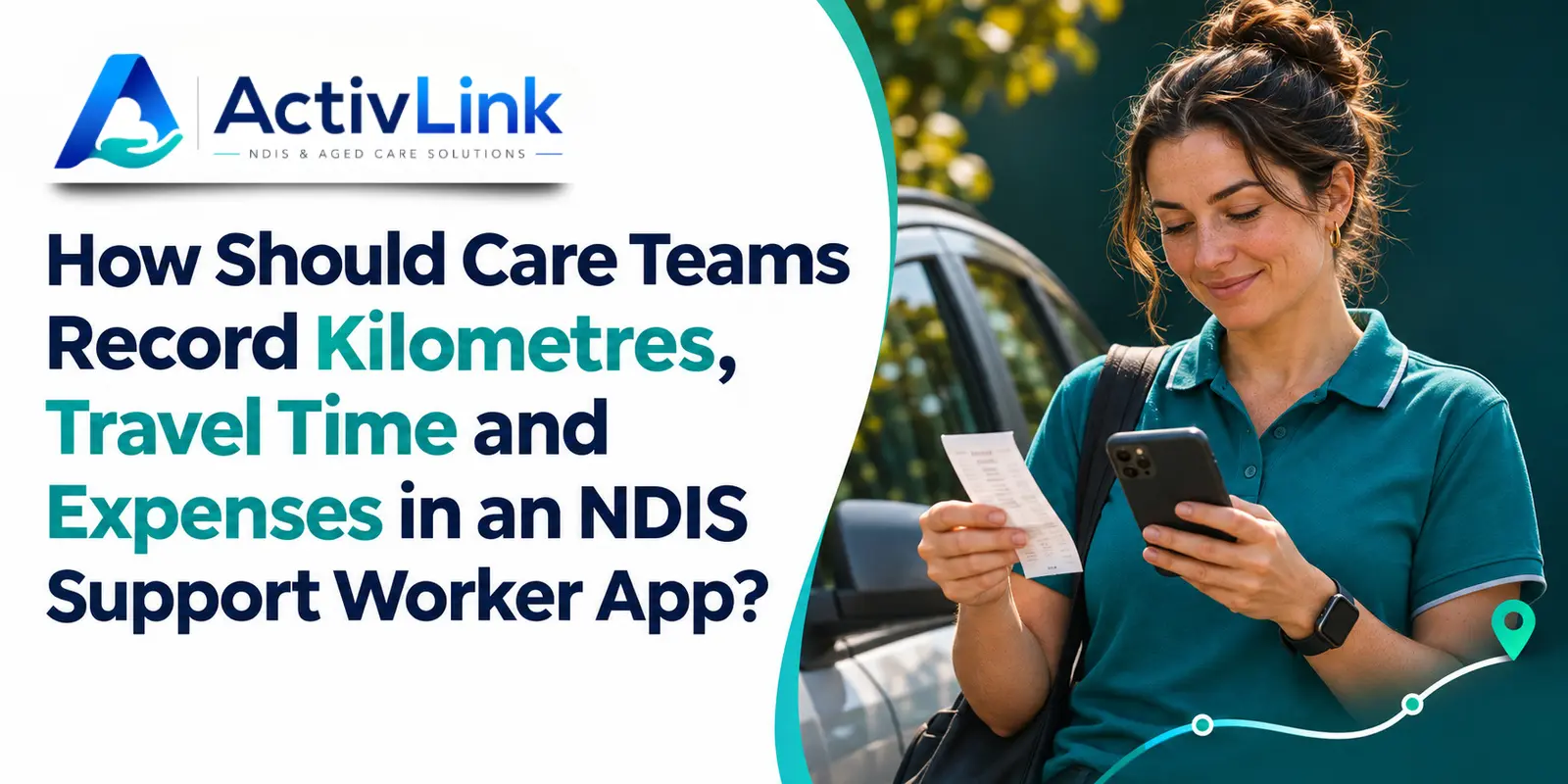
In an NDIS support worker app, record each journey against the relevant shift as soon as it is safe to do so. Enter the actual kilometres, departure and arrival times, reason for travel and any expenses paid. Note whether the participant travelled with the worker and attach the receipt where available. When these details sit alongside the roster in care workforce management software, a coordinator can check what happened before anyone approves a reimbursement or prepares an invoice.
What belongs in a support worker’s travel record?
A useful travel entry answers a question that often comes up several days after a shift. If a participant asks what a parking charge relates to, can the coordinator identify the visit, explain the purpose and find the receipt without calling the worker on their day off?
Use the following prompts in your NDIS support worker app or in a travel log linked to the shift. They give staff a consistent way to describe a trip even when different workers cover the same regular visit.
| Detail | What the worker records |
|---|---|
| Shift and journey | Select the participant and shift. Identify the relevant leg of the journey. |
| Purpose | Explain why you travelled and whether the participant was in the vehicle. |
| Distance | Enter actual kilometres and how you measured them, such as an odometer reading. |
| Time | Enter departure and arrival times. Identify any break or unrelated stop. |
| Expense | Record the amount, what it was paid for, who paid and where the receipt is stored. |
The National Disability Insurance Agency (NDIA) requires providers to keep accurate records of the supports they deliver. Its guidance identifies the participant’s name and NDIS number, service date, support type and quantity or hours, as well as the amount. Link travel entries to the correct participant record so the office can retrieve those details without asking workers to retype identifiers into every note.
Was the worker travelling to the participant or with them?
Start a new entry in your NDIS support worker app when the purpose of the journey changes. A worker might drive to a participant’s home, then accompany them to a community activity. The first leg gets the worker to the visit. On the second, the participant is travelling as part of the support. A single daily kilometre total hides that distinction.
In an NDIS support worker app, a short description such as “Drove from previous visit to collect participant” or “Participant travelled with me to the community centre” gives the reviewer enough context to start. Where several people shared a journey, flag that fact for review. Copying the full distance to each person’s record can cause the same trip to be counted twice.
How do you record actual kilometres and travel time?
Measure the distance for each journey
If your team uses odometer readings, take one before departure and another after parking. For example, a start reading of 48,216 km and an end reading of 48,228 km give a travelled distance of 12 km. If a road closure changed the route, add a brief explanation while the detail is fresh.
A location stamp at clock-in answers a different question from a journey log. When testing an NDIS support worker app, ask the supplier to demonstrate how a worker enters distance and how a coordinator can tell whether it was measured or estimated. If a reading is missing, identify the basis of any estimate and follow your provider’s review process.
Keep travel minutes separate from the roster
Record when the journey began and ended. A roster might allow 15 minutes between visits, but a worker who leaves at 9.05 am and arrives at 9.25 am has travelled for 20 minutes. If the NDIS support worker app displays the planned duration, check it against the actual times before submitting the entry.
How should workers record parking, tolls and other expenses?
In your NDIS support worker app, enter each expense against the journey it belongs to. For parking, record the amount, location or purpose and payment method. A receipt photo should show the date and total clearly. Identifying who paid helps the office distinguish a worker seeking reimbursement from a purchase already paid on the organisation’s card.
If a toll appears on a statement later, record the journey while you remember it. Follow your team’s process to attach the transaction once it appears. If a receipt is missing, flag the item for review in the NDIS support worker app and explain what evidence is available. A guessed amount makes reconciliation harder.
Worked example of an NDIS support worker app travel entry
During a fictional community access shift, a participant travels with their support worker from home to a community centre. They leave at 9.05 am, arrive at 9.25 am and park in the centre’s paid car park. The worker pays $6 using their own card.
| Item | Example entry |
|---|---|
| Journey purpose | Drove participant from home to the community centre for their scheduled activity. |
| Distance and duration | 12 km by odometer. Departed 9.05 am and arrived 9.25 am, making 20 minutes. |
| Expense evidence | $6 parking paid by worker. Receipt attached to the outbound journey. |
| Review note | Driving took place during the rostered community access shift. Check for overlapping time before billing. |
This entry lets the coordinator trace the $6 payment and see that the participant was present during the drive. If the worker drives the participant home afterwards, that return leg gets its own actual readings. The coordinator can then explain both journeys without assuming the route or duration was identical.
What should a coordinator check before billing?
First, open the journey in the NDIS support worker app and match it to the shift and participant. Then compare the time, distance and receipt with the worker’s explanation. Look for an expense submitted twice, driving minutes already included in a support period, or a return trip assigned to the wrong visit.
An NDIS support worker app records what happened. The billing decision requires a separate check of the support delivered, the participant’s agreed travel arrangements and the NDIA pricing and claiming guidance applicable on the service date. The NDIA advises that service agreements should set out additional costs such as travel. If the agreement or journey record leaves a charge unclear, resolve the question before invoicing.
An internal reimbursement decision can also have a different outcome from a participant billing decision. For instance, the office may have enough evidence to reimburse a worker’s parking under its policy while it still needs to clarify whether a participant charge is appropriate. Give each decision its own status so the next reviewer knows what remains open.
What should providers test in an NDIS support worker app?
Use the community centre example in a demonstration. Ask a worker to enter the journey, then ask a coordinator to find the receipt and explain the 20 minutes. Try correcting an incorrect distance after submission. Check who can make that change and whether the original entry and reason are visible afterwards.
Activlink’s browser-based staff app supports shift access, progress notes, receipt photo uploads and clock-in with optional GPS verification. When comparing an NDIS support worker app for your team, ask to see how kilometre entries and travel minutes would be captured in your setup. Activlink’s public feature descriptions confirm receipt capture and attendance functions but leave the availability of dedicated travel fields unspecified.
If your coordinators spend time matching parking receipts to visits, bring a de-identified shift example to an Activlink demonstration. We can walk through the worker’s mobile view, show how a receipt is captured and discuss the checks your office makes before billing. Contact us to discuss how an NDIS support worker app and care workforce management software could fit the way your team records and reviews travel.
Related articles

NDIS Incident Management Software: How Can Australian Providers Record, Review and Resolve Incidents?
Discover how NDIS incident management software helps Australian providers record, review and resolve incidents. Explore practical reporting steps, escalation processes, audit trails and key features to assess when choosing software for your care team.
NDIS Invoicing Software: What Should Providers Check Before Sending Invoices?
Discover what Australian providers should check before sending invoices, from participant details and service records to rates, GST and duplicate charges. Learn how NDIS invoicing software can support accurate billing, clearer approvals and more organised care operations.
NDIS Time and Attendance Software: How Can Australian Providers Track Staff Hours Accurately?
Discover how NDIS time and attendance software can help Australian providers track staff hours, review missed clock-ins and manage timesheet approvals. Explore practical steps for improving attendance accuracy, documenting corrections and connecting approved records with payroll and billing checks.