
NDIS Invoicing Software: What Should Providers Check Before Sending Invoices?
Discover what Australian providers should check before sending invoices, from participant details and service records to rates, GST and duplicate charges. Learn how NDIS invoicing software can support accurate billing, clearer approvals and more organised care operations.
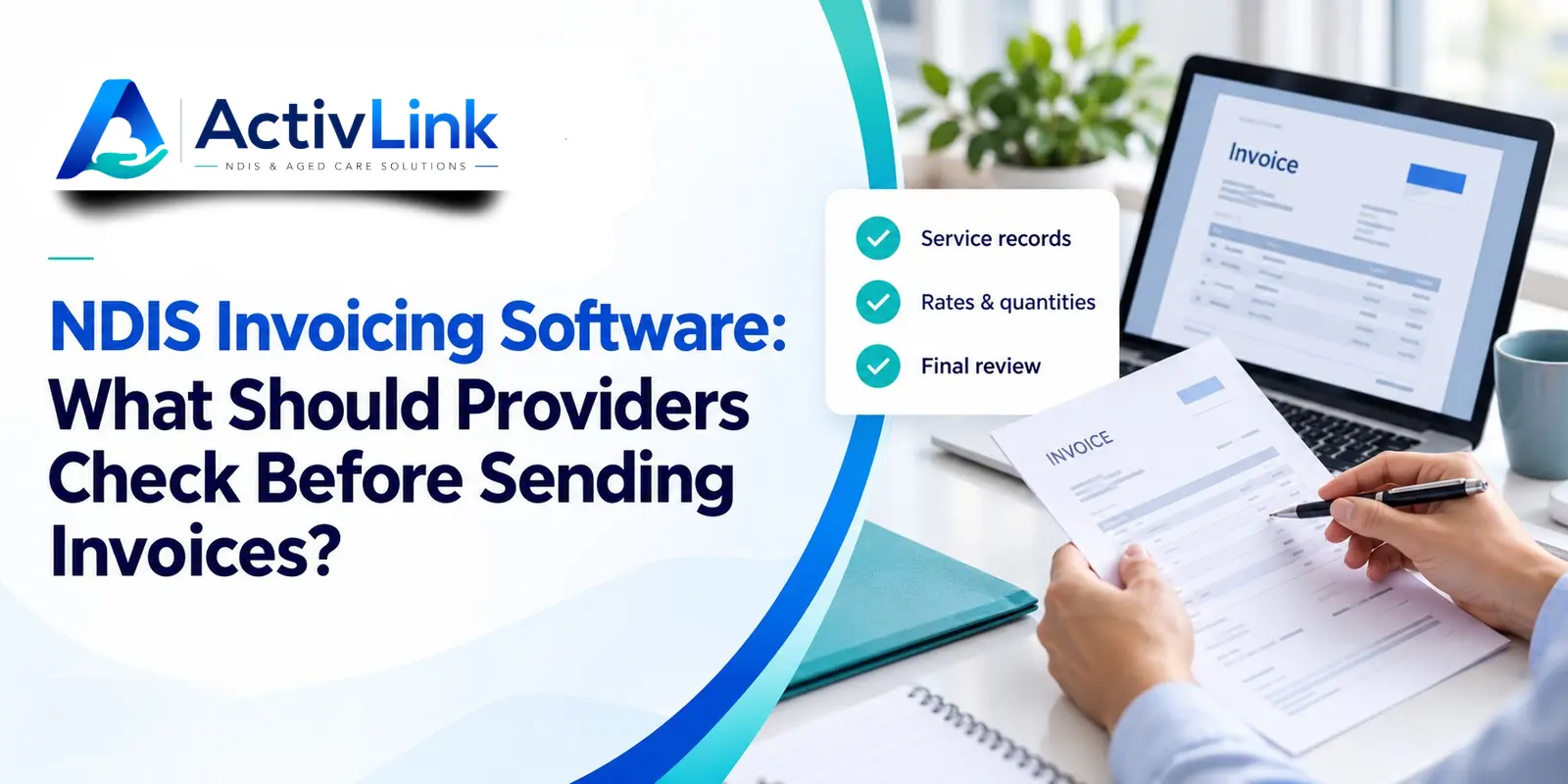
A missing service date or an unchecked quantity can turn routine invoicing into a frustrating round of corrections. For Australian providers, NDIS invoicing software is most useful when it connects billing with reliable service information. As part of broader NDIS and aged care software, it can help teams bring workforce records and invoice preparation into a clearer workflow.
Before sending an invoice, check the participant, recipient, service dates, support items, quantities, agreed rates, applicable pricing rules, GST treatment and supporting records. Then review approvals and possible duplicates. Software can organise these checks, but providers remain responsible for accurate billing and claims.
Why Does NDIS Invoicing Software Need a Pre-Send Review?
Generating an invoice is only one step. The information behind it may have passed through a coordinator, support worker and administrator, with changes along the way.
A shift might finish early, a worker might forget to clock out, or a service arrangement might change. Consequently, NDIS invoicing software should support a review process rather than encourage teams to send every generated invoice immediately.
A useful approach is to work through the checks below before releasing an individual invoice or a billing batch.
1. Check Participant Details and the Invoice Recipient
Start by confirming that the invoice belongs to the correct participant. Check their name, NDIS number and current billing contact against your records. Avoid relying on a previous email thread when arrangements have changed.
Also confirm the relevant funding-management pathway. Invoicing and payment-request steps differ between self-managed, plan-managed and NDIA-managed supports. A saved contact should not replace a check of the current arrangement.
NDIS invoicing software can make participant information easier to access. However, a well-organised database still needs someone responsible for updating it when changes are reported.
2. Review NDIS Invoice Requirements and Payment Details
The NDIA’s recordkeeping guidance sets out information for invoices, including participant identification, service dates, support type and quantity, provider business details and ABN, support item number, claim type, total and GST where applicable. It also addresses participant address details and third-party provider ABNs for plan managers.
Each invoice must relate to one participant, although it can contain multiple supports. Check the official guidance for the complete requirements applying to your situation.
Check invoice references in your billing software
For administration, use a clear invoice number, issue date, payment instructions and contact details for queries. Confirm that the final document is readable and its line totals add up correctly.
When assessing NDIS invoicing software, inspect the actual invoice output. A populated screen does not necessarily mean the emailed document contains everything the recipient needs.
3. Match Service Records, Attendance and Billable Quantities
Compare the invoice with the support delivered, rather than copying the planned roster without review. Check dates, quantities and any adjustments against relevant service documentation.
Importantly, rostered hours, payable staff hours and billable support quantities serve different purposes. A recorded clock-in does not, by itself, establish that every minute can be charged to a participant.
Example: reviewing timesheets before invoicing
Imagine a worker rostered from 9 am to 12 pm. Their attendance record ends at 12.20 pm, while the service note says the participant’s support finished at noon. The extra twenty minutes needs investigation before billing.
The coordinator should establish what happened, document any correction and confirm the appropriate quantity. NDIS invoicing software should help reviewers trace the information used to prepare the invoice.
4. Verify Support Item Codes and Applicable Rates
Check that each support item describes the service being billed. Then confirm the unit, agreed rate and relevant pricing conditions for the service date. Do not select an item simply because its description looks familiar.
Use the current official NDIS pricing guidance, including the schedule applicable when the support was delivered. Applicable maximum prices and the rate agreed with the participant need separate attention; a published maximum is not automatically the agreed charge.
Price-aware NDIS invoicing software can assist with item and rate selection. Nevertheless, ask how updates are maintained and how historical services are handled when pricing changes.
5. Review Travel, Cancellation Charges and GST
Treat additional charges as items requiring their own review. Before billing travel, non-face-to-face work or a cancellation, check whether the charge is permitted for that support and whether the relevant conditions and agreements are satisfied.
The NDIA’s service agreement guidance recommends explaining support costs, extra charges and cancellation arrangements. A charge appearing in an agreement does not, on its own, establish that it is claimable under NDIS rules.
Also check GST treatment. The ATO explains that GST-free NDIS supplies must meet specified conditions. Avoid assuming every transaction is GST-free simply because the customer is an NDIS participant.
When configuring NDIS invoicing software, confirm that tax settings reflect your supplies and obtain accounting advice where the treatment is uncertain.
6. Check Duplicate Billing and Correction History
Before sending, compare the participant, service date, item and quantity with earlier invoices. Pay particular attention to overlapping billing periods and batches rebuilt after a correction.
If an invoice has already been issued, follow a documented correction process. Keep the relationship between the original document and any replacement or credit clear, and communicate the change to the recipient.
Ask whether your NDIS invoicing software flags duplicates or simply provides records for manual checking. These are different capabilities and should be demonstrated rather than assumed.
7. Review Bulk Invoicing Approvals and Exceptions
Bulk processing can reduce repetitive administration, but it can also repeat an error across several documents. Review unresolved attendance entries, unusual quantities, missing details and adjustments before finalising a batch.
Assign responsibility for investigating exceptions and authorising release. For a small provider, a documented second review may be practical; larger teams may need separate preparation and approval responsibilities.
NDIS invoicing software should fit those responsibilities. Before purchasing, test who can prepare, change and release invoices, and whether the history remains understandable after an edit.
How Does Bulk Invoice Generation Differ From NDIS Claim Submission?
Bulk invoice generation creates multiple invoices. Bulk claiming involves submitting multiple payment requests through the relevant claiming process. Generating a PDF or billing batch does not mean a claim has been submitted or accepted.
Therefore, evaluate NDIS invoicing software by asking exactly what happens after invoice preparation: document creation, file export, portal upload or direct submission. Confirm which steps your team must complete separately.
The NDIA’s troubleshooting guidance identifies issues such as incorrect dates, duplicate claims and prices above applicable limits. Clear invoices help administration, but software cannot guarantee payment.
Activlink connects care workforce operations, including staff and client records, rostering, attendance and billing. Activlink's published features include price-aware invoicing and bulk invoice generation on eligible plans, using approved attendance and service-agreement items to support preparation. Direct claim submission is currently labelled as coming soon, so confirm availability for your requirements.
If your team is comparing NDIS invoicing software, contact us to discuss your current process or arrange a demonstration. We can help you review how NDIS and aged care software fits your workforce and billing needs, with the relevant features, plan inclusions and release status explained before you decide.
Related articles
NDIS Incident Management Software: How Can Australian Providers Record, Review and Resolve Incidents?
Discover how NDIS incident management software helps Australian providers record, review and resolve incidents. Explore practical reporting steps, escalation processes, audit trails and key features to assess when choosing software for your care team.
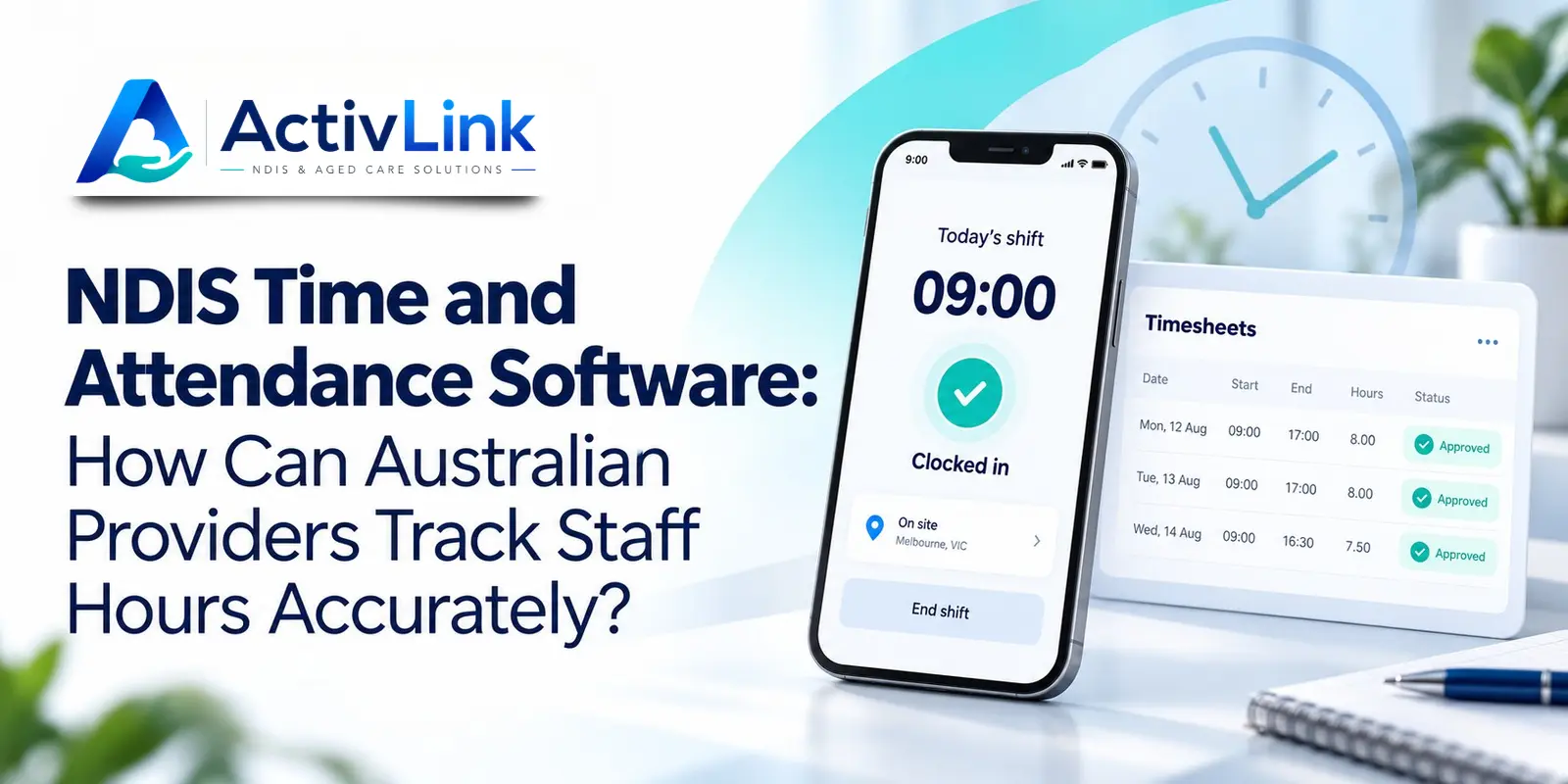
NDIS Time and Attendance Software: How Can Australian Providers Track Staff Hours Accurately?
Discover how NDIS time and attendance software can help Australian providers track staff hours, review missed clock-ins and manage timesheet approvals. Explore practical steps for improving attendance accuracy, documenting corrections and connecting approved records with payroll and billing checks.
NDIS Software Solutions: What Should You Ask During a Product Demo?
Choosing NDIS software solutions? Discover the key questions Australian providers should ask during a product demo, covering rostering, attendance, billing, staff access, pricing and support. Use this practical guide to compare platforms and find software that suits your team’s daily operations.