
NDIS Incident Management Software: How Can Australian Providers Record, Review and Resolve Incidents?
Discover how NDIS incident management software helps Australian providers record, review and resolve incidents. Explore practical reporting steps, escalation processes, audit trails and key features to assess when choosing software for your care team.
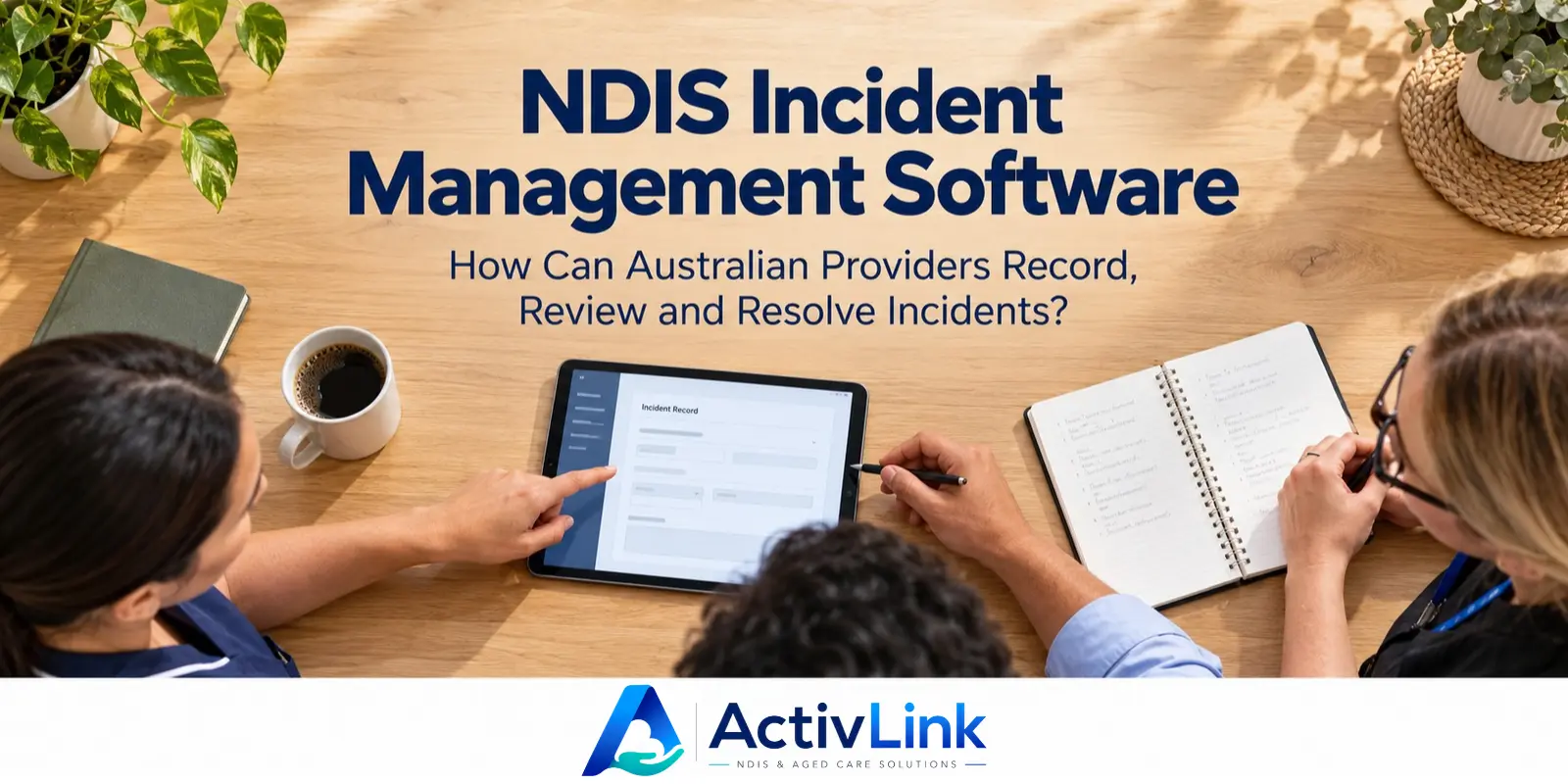
An incident during a support visit can leave workers managing immediate safety concerns while coordinators organise the response. Clear records, timely decisions and compassionate communication all matter. When choosing an Australian care software company, providers should assess how its tools support these responsibilities. This guide explains how NDIS incident management software can help teams record, review and resolve incidents while keeping participants at the centre.
What Is NDIS Incident Management Software?
NDIS incident management software helps providers organise incident details, reviews, responsibilities and follow-up records in a digital workspace. Depending on the platform, it may include structured forms, access permissions, escalation tools and audit trails. However, features vary, so providers should test their required workflows before choosing a system.
Software supports your incident management system; it is only one component. Policies, staff training, participant involvement and management decisions remain essential. The NDIS Commission states that registered providers must maintain an incident management system, while all providers should have one.
How Should Providers Record Incidents Accurately?
Put participant safety before digital incident reporting
First, respond to immediate risks and arrange appropriate assistance. Call 000 when someone needs emergency medical care or there is immediate danger. Workers should follow their organisation’s response procedures and promptly contact the responsible person. Completing a form must never delay urgent support.
After immediate needs are addressed, NDIS incident management software can help organise the account. As a practical reporting checklist, consider capturing:
- When and where the event occurred, and when it became known.
- The people involved and the worker recording the information.
- What was observed, heard or reported, with sources identified.
- Immediate support provided and people contacted.
- Relevant evidence, outstanding questions and follow-up responsibilities.
Separate direct observations from assumptions. For example, “The worker saw a broken chair beside the participant” is clearer than “The participant broke the chair”. If the cause is unknown, record that uncertainty rather than filling the gap with a guess.
Keep incident forms clear and practical
When evaluating NDIS incident management software, ask a worker to enter a fictional report during a demonstration. Can they distinguish the event time from the entry time? Can a reviewer request clarification without losing the original account? These practical tests reveal more than a feature list.
Also consider your working environment. Community teams may have limited connectivity, while office staff may need to review several reports together. Test NDIS incident management software under realistic conditions. Confirm incident-specific mobile and offline capabilities rather than assuming every function works identically across devices.
How Can Managers Review and Escalate Incident Reports?
A useful review process establishes what needs attention, who owns the response and what happens next. NDIS incident management software should be assessed against that process, including how authorised staff find records, add review notes and identify unresolved matters.
As a practical workflow, nominate a responsible reviewer and a backup. Otherwise, a record may remain unattended when the usual manager is away. Agree which matters require immediate direct contact rather than relying on someone checking a dashboard.
Use incident review questions to guide decisions
For each report, consider the following questions:
- Is the participant safe, and what further support is needed?
- Is the account sufficiently clear to assess the event?
- Does the matter require escalation or external notification?
- Who will complete each action, and by when?
- What communication does the participant want or need?
Do not assume NDIS incident management software makes these decisions automatically. Ask suppliers to demonstrate what their system records, flags or assigns, and identify where human assessment remains necessary.
The NDIS Practice Standards also address participant information, worker training and learning from incident outcomes. Therefore, review the participant’s experience alongside the administrative record.
Can Incident Reporting Software Replace Commission Notification?
No. An internal incident record does not replace the required notification of a reportable incident. Registered providers remain responsible for notifying the NDIS Commission, including where they have already managed the matter internally.
Most reportable categories require notification within 24 hours of the provider becoming aware. Unauthorised restrictive practice without harm generally has a five-business-day timeframe; if harm occurs, notification is required within 24 hours. Additional information is generally submitted within five business days. Check the Commission’s category-specific guidance rather than applying one deadline to every event.
From 12 October 2026, the Commission directs new incident lodgements to its new portal, with earlier incidents remaining in the existing portal. Check the current portal instructions when submitting a notification.
When comparing NDIS incident management software, distinguish internal recording, document exports and direct submission. A product offering the first two does not necessarily offer the third. Ask the supplier to demonstrate any claimed connection and explain what your nominated staff must still complete.
How Can Providers Resolve Incidents and Check Improvements?
Resolution should explain what was done and what still needs monitoring. Consider recording the review outcome, agreed actions, responsible staff and evidence that actions were completed. When testing NDIS incident management software, look beyond a “closed” label: it tells a future reviewer very little without supporting details.
NDIS incident management software can support this work where it provides suitable action records and review histories. However, check whether action tracking is included, requires configuration or sits in another tool. Build your procedure around confirmed functionality.
A fictional example of incident follow-up
Imagine a worker notices a loose floor mat during a home visit after a participant nearly trips. The worker addresses the immediate hazard with the participant, reports the event and contacts the coordinator under the provider’s procedure.
The reviewer then checks the account, assesses reporting obligations and discusses suitable follow-up with the participant. An agreed action might be reviewing the environmental check at future visits. Later, the coordinator checks whether the change has been useful and documents the outcome.
This example illustrates a workflow, not a finding about an actual incident. Reportability depends on the circumstances and applicable requirements, rather than simply the label attached to an event.
Which Incident Management Features Should Providers Compare?
Choosing NDIS incident management software starts with your services, team size and current problems. A small provider may need straightforward reporting and review. A larger organisation may need more detailed permissions, oversight and implementation support.
Use the same fictional scenario across demonstrations. In particular, ask suppliers to show:
- Record capture: how initial details and later clarifications are stored.
- Access controls: which roles can view, edit and export sensitive information.
- Escalation: how responsibility is communicated and handed over.
- Traceability: whether original entries, changes and reviewers remain identifiable.
- Data access: what you can export during an audit or when leaving the platform.
- Implementation: what configuration, training and support your subscription includes.
Price comparisons should reflect the complete setup you need. Ask about staff limits, modules, onboarding charges and optional services. A low advertised price is less useful if essential incident workflows require additional subscriptions.
How Does Activlink Support Connected Care Operations?
Activlink’s published features include incident logging, triage and escalation with an audit trail. The platform also lists staff and client records, rostering, attendance, document storage, role permissions and exportable reports. These capabilities provide a relevant starting point for providers evaluating NDIS incident management software within a broader care workforce platform.
During a walkthrough, ask to follow a fictional incident through the relevant screens. Confirm who can access the record, how changes appear and which functions are included in your proposed plan. Also clarify any requirements involving alerts, reporting deadlines or external submissions.
If your organisation delivers both NDIS and aged care services, assess their workflows separately. Shared workforce tools do not establish that program-specific reporting is available. Confirm current aged care module availability and required capabilities before committing.
Looking for NDIS incident management software that fits your care operations? Contact us to discuss your team, incident workflows and reporting needs. As an Australian care software company, we welcome practical questions about current features, plan inclusions and implementation. Bring a fictional scenario to a demonstration so you can assess whether Activlink suits your organisation.
Related articles
NDIS Invoicing Software: What Should Providers Check Before Sending Invoices?
Discover what Australian providers should check before sending invoices, from participant details and service records to rates, GST and duplicate charges. Learn how NDIS invoicing software can support accurate billing, clearer approvals and more organised care operations.
NDIS Time and Attendance Software: How Can Australian Providers Track Staff Hours Accurately?
Discover how NDIS time and attendance software can help Australian providers track staff hours, review missed clock-ins and manage timesheet approvals. Explore practical steps for improving attendance accuracy, documenting corrections and connecting approved records with payroll and billing checks.
NDIS Software Solutions: What Should You Ask During a Product Demo?
Choosing NDIS software solutions? Discover the key questions Australian providers should ask during a product demo, covering rostering, attendance, billing, staff access, pricing and support. Use this practical guide to compare platforms and find software that suits your team’s daily operations.