NDIS Shift Management Software in Australia: 10 Essential Features Providers Need in 2026
Discover the 10 essential features Australian providers should look for in NDIS shift management software in 2026. From smart rostering and recurring shifts to attendance, mobile access, compliance records and NDIS billing, learn how Activlink helps simplify workforce operations and support more efficient care delivery.
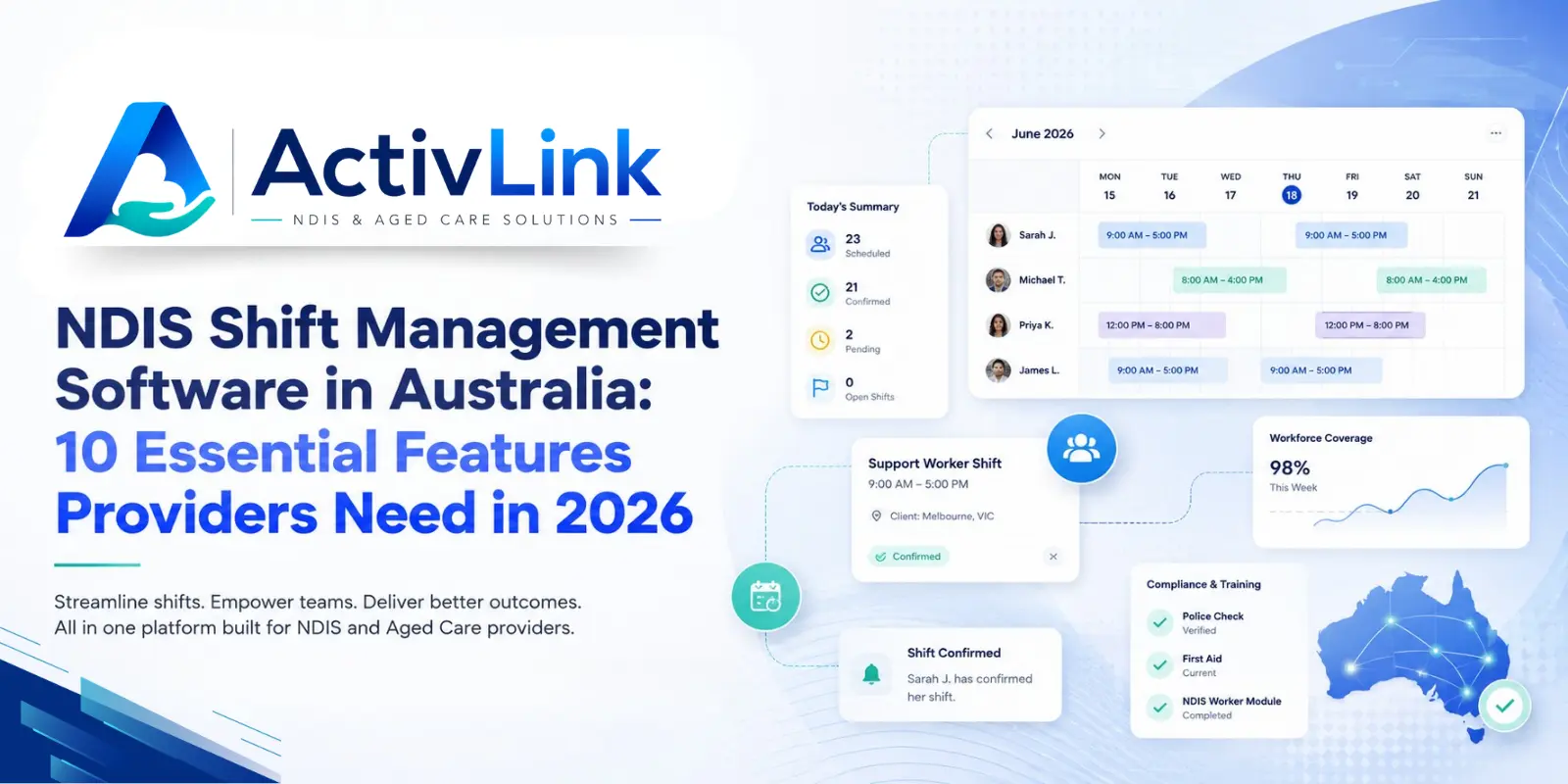
Managing support workers, participant schedules, attendance, records and billing can become increasingly complex as an NDIS provider grows. NDIS shift management software can bring these daily tasks into one connected workflow, helping coordinators spend less time chasing spreadsheets and more time maintaining clear, reliable service delivery. For Australian organisations looking for care workforce management software, the right platform should support the full journey from planning a shift to recording attendance, notes and billing information.
In 2026, providers need more than a basic digital calendar. They need visibility over staff availability, qualifications, recurring supports, last-minute changes, time records and operational documentation. Good NDIS shift management software should make those moving parts easier to manage while keeping people, records and responsibilities connected.
What Is NDIS Shift Management Software?
NDIS shift management software is a digital platform that helps disability service providers plan, assign, monitor and record support shifts. Instead of managing rosters through separate spreadsheets, messages and paper timesheets, providers can use one system to coordinate staff, clients and service information.
For coordinators, NDIS shift management software can simplify roster building, identify scheduling issues and provide a clearer view of workforce activity. For support workers, it can make shift details, client information, attendance and progress-note tasks easier to access from a mobile device.
The most useful systems also connect scheduling with broader provider operations. That means a completed shift can contribute to attendance records, service documentation, approvals and invoicing without requiring the same information to be entered repeatedly.
Why NDIS Providers Need Better Shift Management in 2026?
NDIS providers often manage a workforce with different qualifications, availability, employment arrangements, locations and participant requirements. At the same time, coordinators may need to respond to cancellations, worker absences, recurring services and changes to support delivery.
As a result, manual rostering can create unnecessary administrative pressure. NDIS shift management software gives providers a structured way to manage these variables and maintain a more reliable operational picture.
However, software should support provider processes rather than replace professional judgement. Managers still need appropriate policies, workforce oversight and checks. The value of NDIS shift management software is that it can make those responsibilities easier to organise, review and document.
10 Essential NDIS Shift Management Features Providers Should Look For
When comparing platforms, Australian providers should focus on practical capabilities that solve day-to-day workforce problems. The following ten features are available within Activlink and are designed around real care operations.
1. Smart Rostering With Week, Month and Resource Views
A roster needs to be easy to build and easy to understand. Activlink provides week, month and resource views so coordinators can see how shifts are distributed across workers and time periods.
Effective NDIS shift management software should help teams create shifts quickly while keeping the wider roster visible. This is especially useful for providers managing multiple participants, support workers and service types across a busy week.
With a clearer roster view, coordinators can identify gaps earlier, make informed adjustments and reduce time spent moving between disconnected schedules.
2. Recurring Shifts and Shift Templates
Many NDIS supports occur on a predictable weekly or fortnightly basis. Rebuilding the same services manually increases administration and creates opportunities for errors.
Activlink supports recurring shifts and reusable scheduling patterns. This allows coordinators to set regular supports once and manage future rosters more efficiently.
For providers with ongoing participant schedules, NDIS shift management software with recurring shift functionality can reduce repetitive data entry while giving teams a consistent starting point for each roster period.
3. Conflict and Qualification Gap Detection
Assigning an available worker is only part of the scheduling decision. Providers also need to consider overlapping shifts, worker availability and whether a staff member has the required qualifications.
Activlink can identify scheduling conflicts and qualification gaps during rostering. This gives coordinators an opportunity to resolve issues before they affect service delivery.
This is an important advantage of NDIS shift management software compared with a basic spreadsheet because the system can surface relevant workforce information while the roster is being built.
4. Fast Shift Reassignment and Worker Notifications
Last-minute changes are part of care operations. A worker may become unavailable, a participant may need a different time, or a coordinator may need to find a replacement quickly.
Activlink supports fast shift reassignment and automated email notifications to staff. This helps the team communicate changes without relying on long message chains or manually updating multiple records.
With NDIS shift management software, roster changes can remain connected to the same operational record, giving coordinators better visibility over who is assigned and what changed.
5. GPS-Aware Clock-In, Clock-Out and Attendance
Accurate attendance records matter for workforce management, approvals and billing processes. Activlink's Staff PWA supports one-tap clock-in and clock-out, with optional GPS verification within a configurable radius.
It also provides missed-clock prompts and manual time approval workflows for coordinators. This gives providers a practical way to review submitted time rather than depending entirely on paper timesheets.
NDIS shift management software that connects scheduled time with actual attendance can create a clearer record of service delivery and reduce avoidable follow-up for office teams.
6. Mobile Staff PWA With Offline Access
Support workers spend much of their day away from an office, so shift tools need to work where care is delivered. Activlink provides an install-free Progressive Web App that opens in a modern mobile browser and can be added to a worker's home screen.
Workers can access their shifts, relevant client details and work records from their phone. The PWA also supports offline use and synchronises information when connectivity returns.
For regional services or mobile teams, NDIS shift management software with practical mobile access helps workers stay connected without requiring them to return to a desktop for routine shift tasks.
7. Client Information, Progress Notes and Expense Uploads
A shift is not just a start and finish time. Workers may need participant addresses, care information, service notes and a straightforward way to document what occurred.
Activlink gives workers access to relevant client details and allows progress notes and expense receipts to be captured from the shift workflow. This helps bring service documentation closer to the point of care.
By connecting shift activity and participant records, NDIS shift management software can reduce fragmented information and help authorised team members work from a more consistent operational record.
8. Staff Roles and Granular Permissions
Not every team member should have access to every part of a provider's system. Coordinators, administrators and support workers have different responsibilities and information needs.
Activlink includes custom roles and feature-level permissions, allowing providers to control whether a user can view, add or fully manage information within particular areas.
Strong NDIS shift management software should support role-appropriate access because workforce efficiency should not come at the expense of sensible information controls. Granular permissions can also help larger teams maintain clearer internal responsibilities as they grow.
9. Audit Trails, Incidents and Workforce Records
Providers need organised records that support reviews, internal governance and audit preparation. Activlink maintains audit histories of changes and supports incident records, staff qualifications, service documents and exportable reports.
The system records key actions so providers can review what changed, when it changed and who performed the action. This can make operational follow-up easier and reduce the difficulty of reconstructing activity from emails or spreadsheets.
NDIS shift management software cannot guarantee compliance by itself. However, when scheduling, attendance, incidents, documents and audit histories are connected, providers have a stronger foundation for consistent recordkeeping and oversight.
10. NDIS Billing and Invoicing From Approved Service Records
Shift management becomes more valuable when it connects to what happens after the service is delivered. Activlink supports NDIS billing and invoicing, including price-guide-aware service items and bulk invoice generation for eligible plans.
Approved attendance and service information can contribute to a clearer invoicing workflow, reducing the need to recreate shift details in a separate system.
For growing providers, NDIS shift management software that links roster activity with billing can help reduce double handling, improve administrative visibility and create a more connected path from scheduled support to invoice preparation.
How Does NDIS Shift Management Software Help Coordinators?
For coordinators, one of the biggest benefits is visibility. Instead of checking separate files for availability, schedules, attendance and worker information, teams can manage related tasks within the same platform.
NDIS shift management software can help coordinators answer practical questions quickly: Who is working today? Are there unfilled shifts? Has a worker missed a clock-in? Is someone unavailable? Does the assigned worker have a qualification gap? Has a shift been reassigned?
That visibility can reduce unnecessary back-and-forth and make it easier to focus on exceptions that need human attention.
NDIS Rostering Software vs General Scheduling Tools
General scheduling software may be suitable for simple appointment-based businesses, but NDIS operations often require more context. Participant information, worker qualifications, recurring supports, attendance, notes, incidents, permissions and billing can all be connected to service delivery.
That is why purpose-built NDIS shift management software can offer more operational value than a generic calendar. The objective is not simply to place a worker into a time slot; it is to support the information and workflows surrounding that shift.
For providers comparing NDIS rostering software, workforce platforms and standalone scheduling tools, it is worth testing how well each option handles a complete real-world scenario from roster creation through to approved time and billing.
How to Choose NDIS Shift Management Software in Australia?
Before choosing a platform, map your current workflow. Look at how your organisation creates rosters, handles recurring supports, records staff availability, communicates changes, approves time, stores notes and prepares invoices.
Then test the platform using realistic operational scenarios. Create a recurring shift, assign an unavailable worker, check how conflicts appear, reassign the service, clock in through mobile access, submit a progress note and review the information used for billing.
The best NDIS shift management software for your organisation should be easy enough for day-to-day use while providing the controls, records and reporting your team needs as it grows.
Providers should also review data hosting, access controls, backups, audit records, implementation support, pricing and the ability to export information. These practical considerations can be just as important as the visible scheduling interface.
The Value of Connected NDIS Shift and Workforce Management
In 2026, Australian providers need more than a digital roster. They need an operational system that helps connect staff, participants, shifts, attendance, records and billing without making everyday work unnecessarily complicated.
NDIS shift management software can provide that connection by turning individual roster tasks into a clearer workforce workflow. When the platform also includes staff records, permissions, progress notes, attendance, incidents and invoicing, providers gain a more complete view of what is happening across the organisation.
For NDIS organisations comparing workforce platforms, the right technology should reduce disconnected processes while keeping essential operational information accessible to the people who need it. Choosing a system that brings scheduling and workforce administration together can help providers create a more organised foundation for sustainable growth.
Looking for a simpler way to manage your NDIS workforce? Activlink provides NDIS shift management software designed for Australian care providers, with smart rostering, recurring shifts, attendance, mobile worker access, progress notes, permissions, audit records and NDIS billing in one connected platform. Explore Activlink as your care workforce management software and get in touch with us to book a demo or start a 14-day free trial to see how it can support your day-to-day care operations.
Related articles
NDIS Software Solutions: What Should You Ask During a Product Demo?
Choosing NDIS software solutions? Discover the key questions Australian providers should ask during a product demo, covering rostering, attendance, billing, staff access, pricing and support. Use this practical guide to compare platforms and find software that suits your team’s daily operations.
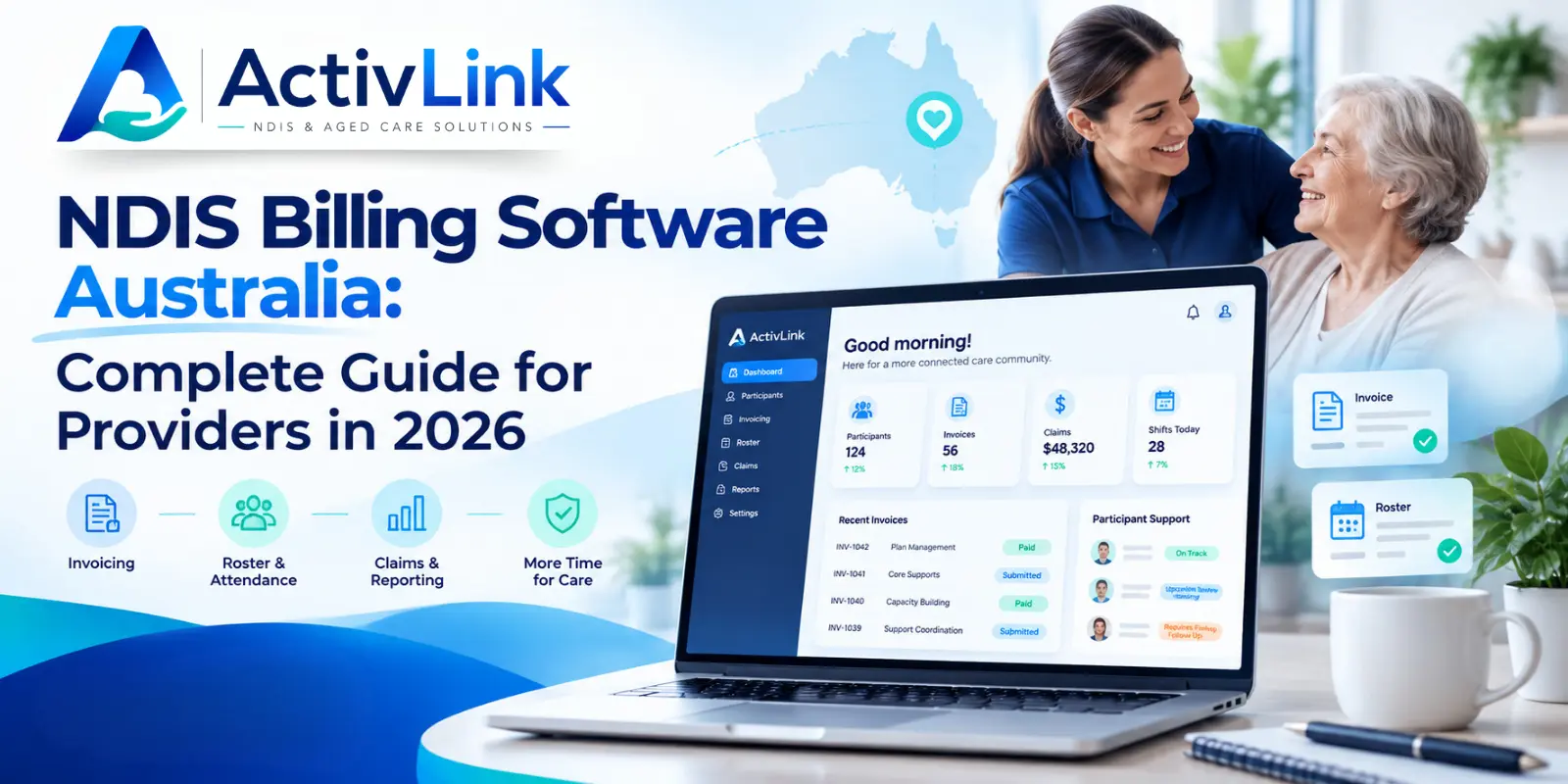
NDIS Billing Software Australia: Complete Guide for Providers in 2026
Discover how NDIS billing software Australia can help providers streamline invoicing, manage bulk claims, reduce billing errors and connect rostering, attendance and service records. This 2026 guide explains key features, billing workflows, pricing considerations and what Australian NDIS providers should look for when choosing the right software.
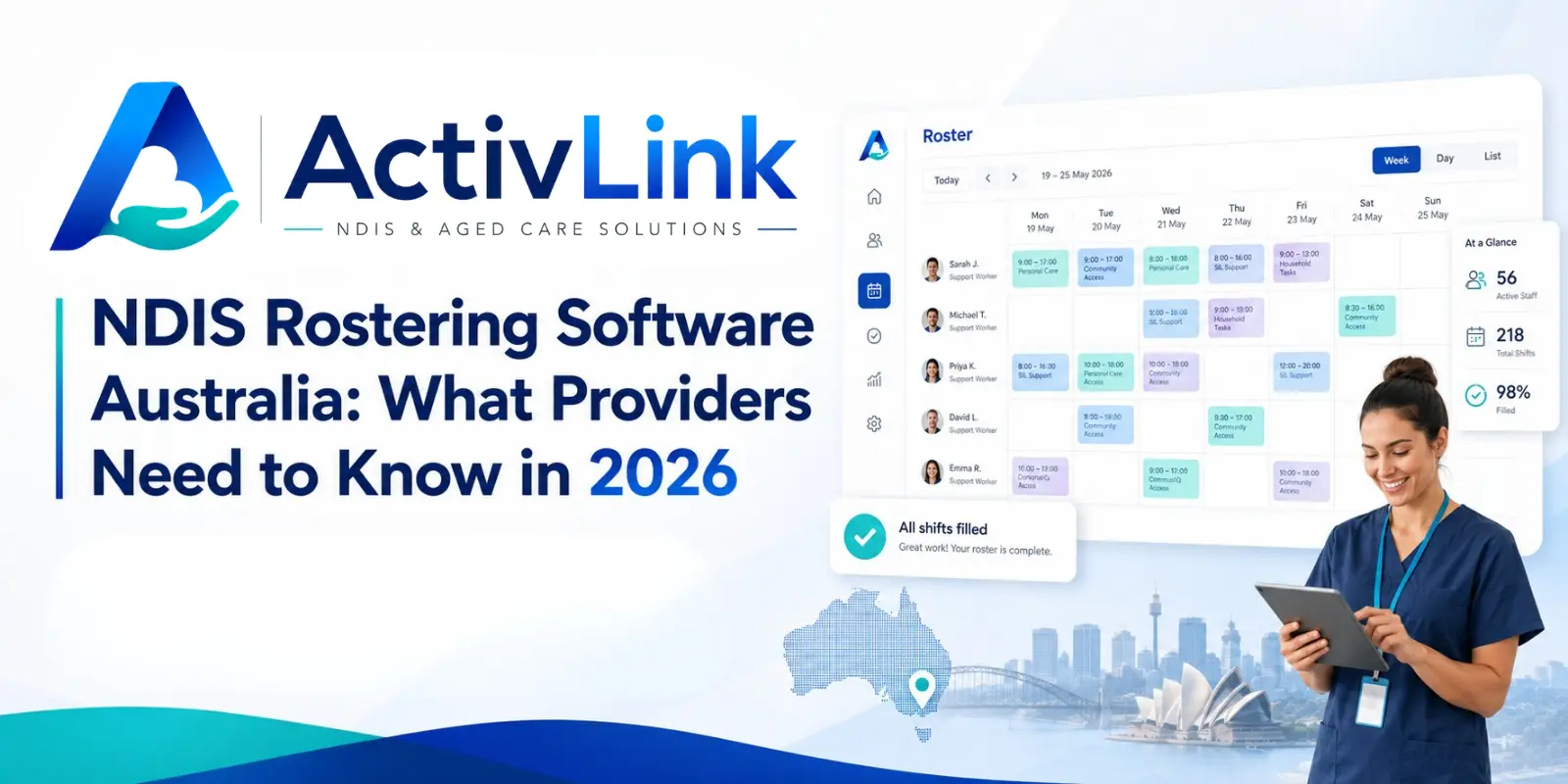
NDIS Rostering Software Australia: What Providers Need to Know in 2026
Discover how NDIS rostering software helps Australian providers manage staff schedules, recurring shifts, attendance, availability and workforce operations more efficiently. This 2026 guide explains key features, benefits, compliance considerations and what to look for when choosing the right rostering platform.