
NDIS Rostered Hours vs Actual Hours: What Should Providers Check Before Approving a Timesheet?
A support worker clocks out 20 minutes after their rostered finish. Was it extra participant support, a handover or a missed clock-out? Learn how to compare NDIS rostered hours vs actual hours, check the shift records and document a timesheet decision that payroll and billing teams can follow.
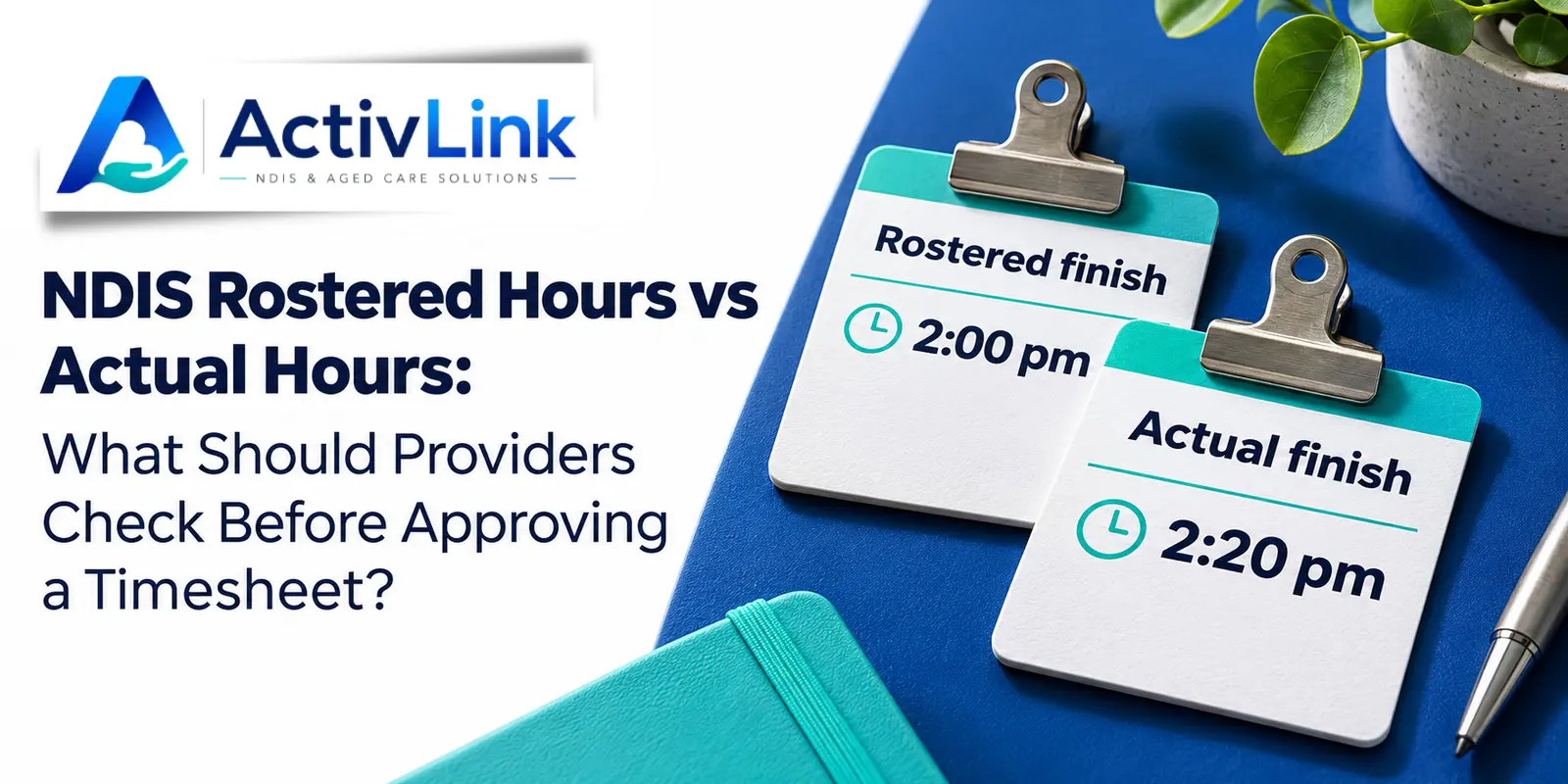
A support worker was rostered until 2 pm, but their timesheet says 2.20 pm. Did the participant need another 20 minutes of support? Did the worker stay for a handover, or did they tap clock-out late? Reviewing NDIS rostered hours vs actual hours means finding out which explanation fits the shift. Whether your team uses a spreadsheet or care workforce management software, start with what the worker did and when they finished.
Before approving a timesheet, confirm the worker, visit, start time, finish time and breaks. Compare the submitted entry with the roster that applied that day. Where the records differ, establish what happened and document the basis for approval. Payroll can then assess the employee’s entitlements, while billing checks the services recorded against the participant’s agreement and the applicable NDIS pricing arrangements.
What does a comparison of NDIS rostered hours vs actual hours tell you?
The roster shows what the provider planned. The timesheet records the work the employee reports doing. The participant’s support record describes the service delivered. All three can show different durations for sound reasons. A worker might complete direct support at 2 pm and spend another ten minutes giving the incoming worker a handover.
A useful starting point for NDIS rostered hours vs actual hours is to identify the question each record can answer.
| Record | What to verify |
|---|---|
| Published roster and authorised changes | Who was expected, which participant or service they were allocated to, and when the shift was scheduled |
| Attendance entry and timesheet | When duties began and ended, which breaks were taken, and whether the worker submitted a correction |
| Support log or case note | What support the participant received, on which date and for how long |
| Service agreement and relevant pricing arrangements | Which documented activities the billing team can charge and under what conditions |
The National Disability Insurance Agency (NDIA) asks providers to keep accurate records of delivered supports. Its guidance identifies details including the participant, service date, support type and quantity or hours delivered. An approved employee timesheet can help explain who worked that day. Billing still needs evidence of the service provided to the participant.
Five checks for reviewing NDIS rostered hours vs actual hours
1. Find the shift the worker was actually assigned
Open the roster for the specific date. A recurring template might still show a 9 am visit even though the coordinator moved this Tuesday’s appointment to 9.30 am at the participant’s request. Check the authorised amendment and the worker assigned to the visit before treating a 9.30 am start as late.
For a shift swap, also check the original worker’s entry. If both names appear against the visit, establish who attended and whether their shifts overlapped for handover. Checking NDIS rostered hours vs actual hours against the dated roster can resolve a discrepancy without asking either worker to reconstruct an entire day.
2. Compare start times, finish times and breaks individually
Equal totals can conceal a meaningful difference. A shift scheduled from 9 am to noon and worked from 9.30 am to 12.30 pm still totals three hours. A review of NDIS rostered hours vs actual hours should pick up the later visit, especially if the worker was expected at another participant’s home shortly afterwards.
Check any break deducted from the entry. If the worker reports staying with the participant during a planned break, establish what duties continued and record the account for payroll review. For overnight work, check both calendar dates before calculating the duration.
3. Establish what happened during the disputed minutes
Ask a question the worker can answer precisely: “What were you doing between 2 pm and 2.20 pm?” A dated support note, handover entry or coordinator’s message may help confirm the sequence.
In a review of NDIS rostered hours vs actual hours, pay attention to what each timestamp establishes. A note saved at 2.20 pm tells you when the worker entered it. The note itself might say the participant’s appointment ended at 1.55 pm and the worker spent the next 25 minutes accompanying them home. Reading that detail could change the approval decision.
4. Leave a clear record of a timesheet correction
Keep the original entry and record the verified time, what prompted the change, the evidence used and who approved it. Fair Work Ombudsman guidance allows employers to correct an error in an employment record and calls for a record of the error and the reason for fixing it.
A short approval note can do that job. For example, “Worker confirmed duties finished at 3.40 pm, and clock-out was entered at 4.10 pm. Coordinator checked the 3.40 pm handover entry and corrected the finish time.” Someone reviewing NDIS rostered hours vs actual hours next fortnight can now understand the decision without reopening the conversation.
5. Give payroll and billing the details each needs
Pass the verified working times, breaks and outstanding entitlement questions to payroll. Give billing the participant’s service record and flag any activity that needs assessment under the relevant terms. Claiming decisions need to account for the support delivered and the pricing arrangements that apply.
When checking NDIS rostered hours vs actual hours, record who will resolve an outstanding question. Otherwise, a coordinator may assume finance is investigating a charge while finance assumes the approved timesheet has settled it.
Worked example of NDIS rostered hours vs actual hours
Consider a worker rostered from noon to 2 pm with no break. Direct support continues until 2.10 pm. The worker then spends ten minutes on a handover requested by the coordinator and finishes at 2.20 pm. The worker’s account and the dated handover record support that sequence.
| Record | Verified duration | What the coordinator can conclude |
|---|---|---|
| Scheduled shift | 120 minutes | The provider planned two hours of work. |
| Employee timesheet | 140 minutes | The worker carried out duties until 2.20 pm. |
| Direct participant support | 130 minutes | Direct support ended at 2.10 pm. |
| Handover | 10 minutes | The handover accounts for the balance of the worker’s time. |
The 130 minutes of support and ten minutes of handover are already included in the 140-minute timesheet. For payroll, the coordinator passes on the verified work record. For billing, the team checks how the applicable conditions treat each activity before preparing an invoice. Whether the handover is chargeable requires its own assessment.
Change one fact and the approval changes. If the worker completed all duties at 2 pm and only opened their phone at 2.20 pm to clock out, the coordinator would document the evidence for a 2 pm finish. Both examples show the same roster and timestamp. What resolves NDIS rostered hours vs actual hours is the account of those final 20 minutes.
Using NDIS rostered hours vs actual hours to improve the next roster
Once the shift is settled, consider whether the same issue will recur. If three Friday handovers in a row take ten minutes beyond the scheduled finish, ask the coordinator and workers how much time the handover usually requires. That gives the team a specific decision to make before publishing the next roster. A recurring handover may need its own allowance of time in the schedule.
For a fortnightly review of NDIS rostered hours vs actual hours, keep early finishes and overruns visible separately. A 20-minute overrun on Monday and a 20-minute early finish on Friday cancel out in the weekly total. Viewed individually, one may reveal a handover that needs more time and the other a participant’s preference for a shorter visit.
Activlink brings rostering, mobile attendance and timesheet approvals into one place. If your team checks NDIS rostered hours vs actual hours across messages and spreadsheets, bring a de-identified shift example to an Activlink demonstration. We’ll show you how a coordinator can compare the scheduled finish with the worker’s time entry, check what happened during the extra minutes and record the approval. To discuss how our care workforce management software could fit your team’s review process, contact us.
Related articles

How Much Does NDIS Software for Providers Cost in Australia?
A five-person care team in Australia could pay $45 a month before GST for basic rostering. But what if the team also needs to generate NDIS invoices? Compare published prices for NDIS software for providers and see how staff numbers, participant limits, setup and training affect your first-year budget.

How Should Care Teams Record Kilometres, Travel Time and Expenses in an NDIS Support Worker App?
A worker drives 12 kilometres in 20 minutes and pays $6 for parking. What should they record? This guide shows care teams how to log each journey in an NDIS support worker app, link receipts to the right shift and check travel records before approving a reimbursement or billing a participant.

NDIS Incident Management Software: How Can Australian Providers Record, Review and Resolve Incidents?
Discover how NDIS incident management software helps Australian providers record, review and resolve incidents. Explore practical reporting steps, escalation processes, audit trails and key features to assess when choosing software for your care team.