
Aged Care Management Software Australia: Complete Guide for Providers in 2026
Discover how aged care management software providers in Australia can use it to simplify rostering, staff management, attendance, billing, compliance and daily care operations. This complete 2026 guide explains essential features, Support at Home considerations, pricing, implementation and how Activlink’s NDIS and aged care software helps providers work more efficiently.
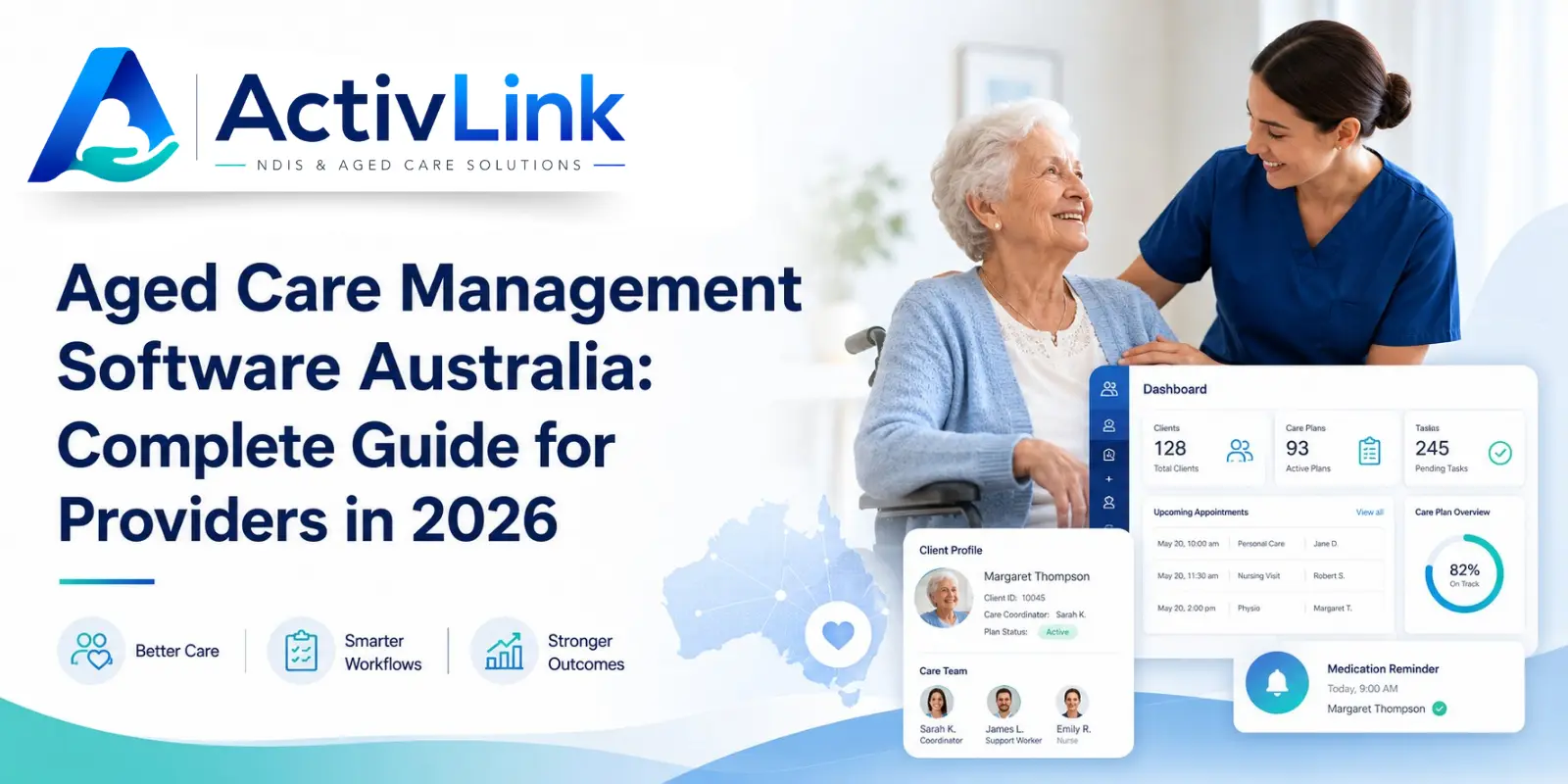
Australian aged care providers must coordinate staff, rosters, client records, attendance, billing, communication and compliance while delivering consistent, person-centred services. The right aged care management software Australia providers choose can bring these responsibilities into one connected system. For organisations supporting both older people and NDIS participants, flexible NDIS and aged care software can also reduce duplicated work across teams and programs. In 2026, aged care management software Australia providers should support both efficient administration and dependable service delivery.
What Is Aged Care Management Software Australia?
Aged care management software is a digital platform that helps providers organise everyday care operations. Depending on the system, it may manage staff profiles, client information, rosters, leave, attendance, service notes, incidents, documents, billing and reports.
Instead of relying on spreadsheets, paper forms, messaging apps and separate databases, providers can create one reliable source of operational information. Therefore, aged care management software Australia organisations adopt should connect tasks rather than simply store data.
For example, a scheduled visit can become a worker notification, attendance record, service note, approval item and billing-ready entry. This reduces repeated data entry and gives managers better visibility over what was planned, delivered and documented.
Why Providers Need Connected Aged Care Software in 2026?
The Australian aged care environment has changed. The strengthened Aged Care Quality Standards have applied since 1 November 2025 and are more detailed and measurable than the previous standards. They focus on safe care, individual needs and preferences, organisational governance and older people’s rights.
Support at Home also replaced the Home Care Packages Program and Short-Term Restorative Care Programme on 1 November 2025. The Commonwealth Home Support Program is expected to transition no earlier than 1 July 2027.
As a result, aged care management software Australia providers implement should support structured workflows for scheduling, service evidence, workforce records, participant information and financial administration. Software does not guarantee compliance; however, it can make good processes easier to follow and review.
Essential Aged Care Management Software Australia Features
Centralised Client and Service Records
A central client profile should give authorised workers access to relevant contact details, service requirements, preferences, documents, scheduled supports and service history. Records should be current, easy to locate and protected by role-based permissions.
Aged care organisations handle personal, health, financial and complaint-related information. Australian aged care law sets requirements around the use and disclosure of protected information. Therefore, providers should review security, permissions, backups, audit logs and data hosting before selecting software.
Workforce and Staff Management
Useful aged care management software Australia teams can rely on should centralise worker profiles, roles, availability, leave, qualifications, employment documents and permissions.
This helps coordinators identify suitable workers, understand workforce capacity and reduce the risk of assigning unavailable staff. Expiry tracking can also make it easier to follow up qualifications and supporting documents before they become operational problems.
Rostering and Recurring Services
Rostering is central to home and community care. The platform should manage recurring visits, one-off services, worker allocation, shift changes and notifications.
Effective aged care management software Australia providers use should help identify conflicts, reduce double-booking and make updates visible to the right people. Mobile access is particularly helpful because field workers need current shift information without repeatedly contacting the office.
Mobile Attendance and Shift Records
A mobile attendance function allows workers to clock in and out, confirm delivered services and submit shift information. Coordinators can then review attendance before records move into billing or payroll-related processes.
This creates a clearer connection between what was scheduled and what occurred. It also helps providers investigate missed visits, time differences and incomplete documentation.
Billing and Support at Home Workflows
Billing tools should connect delivered services with approved rates, units, attendance and invoices. This reduces re-entry and helps teams identify missing information before billing is prepared.
Under Support at Home, providers claim after delivering a service. The official process includes preparing and submitting the claim, Services Australia validation and payment, and invoicing the participant for any contribution. Providers must keep evidence of delivered services and purchases.
Consequently, aged care management software Australia organisations select should support accurate service records, approvals and financial traceability, even when final claims are submitted through a government portal or connected system.
Incidents, Documents and Audit Trails
Providers need structured ways to record incidents, attach evidence, assign follow-up actions and retain a history of changes. Document storage should also make policies, agreements and workforce records easy for authorised staff to retrieve.
Audit trails can show who completed, approved or changed an action and when it occurred. Nevertheless, providers still require appropriate policies, trained staff, clear accountability and regular reviews.
Operational Reporting
Managers should be able to view unfilled shifts, attendance exceptions, incomplete notes, staff availability, service delivery and billing status.
Good reporting helps organisations move from reactive administration to informed action. For instance, repeated late confirmations may reveal a rostering problem, while incomplete notes may indicate a training or workflow issue.
How Does Aged Care Management Software Australia Save Time?
Administrative pressure often comes from handling the same information repeatedly. A coordinator creates the roster, a worker confirms attendance, an administrator reviews the completed shift, and another team member prepares the billing. Activlink helps connect these everyday processes within one platform, reducing repeated data entry and giving authorised teams clearer access to current operational information.
When these steps occur across disconnected systems, errors, delays and communication gaps become more likely. The aged care management software Australia providers use should create a connected workflow in which an approved record can support the next administrative action.
Automation should support staff rather than remove human oversight. Exceptions, approvals and sensitive decisions still require experienced people. The purpose is to give those people reliable information and more time to focus on service quality and better care outcomes.
Support at Home Software Considerations
Support at Home providers may need to manage service agreements, care plans, budgets, delivered units, worker records, participant contributions, invoices and monthly statements.
Providers should check whether aged care management software Australia platforms can adapt as program rules, pricing arrangements and reporting processes change. A configurable system is generally more practical than one that requires manual workarounds whenever requirements are updated.
When reviewing aged care management software Australia for Support at Home, ask whether each workflow is currently available, planned for future release or dependent on an external integration. This prevents assumptions and supports a more realistic implementation plan.
How to Choose Aged Care Management Software Australia?
Begin by mapping how staff records, rosters, attendance, client information, service notes, billing and compliance evidence are currently managed. Then compare platforms using practical questions:
- Can existing staff and client records be imported?
- Is the interface easy for coordinators and mobile workers?
- Can access be limited according to each role?
- Does it support recurring services and roster updates?
- Can attendance connect with approvals and billing?
- Are incidents, documents and audit histories easy to retrieve?
- Where is provider data hosted?
- What support, onboarding and training are included?
- What does the subscription cost as the organisation grows?
- Can the platform be tested before a commitment?
The best aged care management software Australia providers choose should match their service model, workforce size and internal responsibilities. A long feature list offers little value when the platform is difficult for staff to use consistently.
Building a Successful Implementation Plan
Choosing software is only the first step. A successful rollout requires clear ownership, accurate data and realistic staff training.
Start by deciding which records will be migrated and who will approve the imported information. Then configure roles and permissions so users only see the areas relevant to their responsibilities.
Next, test complete workflows from beginning to end. For example, create a client service, schedule a worker, confirm attendance, submit the required information and review the resulting record.
Providers should avoid introducing every function at once when this could overwhelm staff. A staged rollout may begin with staff records and rostering before adding attendance, documentation, billing or advanced reporting.
Common Aged Care Software Selection Mistakes
One common mistake is choosing a system based only on the number of features. Providers should focus on how well the software supports real daily tasks.
Another mistake is overlooking mobile usability. A system may work well in an office but still create delays when field workers struggle to access shifts or submit information.
Providers should also avoid assuming that every advertised feature is included in the standard subscription. Confirm which tools, integrations, support services and implementation activities require additional payment.
Finally, software should not be selected without input from the people who will use it. Coordinators, administrators, managers and care workers may identify different operational requirements.
Is an All-in-One Aged Care Platform Worth It?
An all-in-one platform may reduce the need to move information between separate rostering, attendance, document, communication and billing systems.
This can improve visibility and reduce duplicate data entry. It may also give management one place to review operational activity instead of requesting updates from several teams.
However, providers should still evaluate integration requirements, reporting needs and specialist functions. The right decision depends on whether the platform can support the organisation’s core workflows without unnecessary complexity.
Activlink provides NDIS and aged care software that helps Australian care providers manage staff, clients, rostering, leave, attendance, billing, communication and compliance through one connected platform. Explore aged care management software Australia organisations can use to improve coordination, reduce repetitive administration and maintain clearer operational records. Contact us to help providers spend less time managing disconnected processes and more time supporting better care.
Related articles
Aged Care Software for Small Providers: 12 Questions to Ask Before You Buy
Choosing aged care software for small providers? Explore 12 practical questions Australian providers should ask before buying, covering features, pricing, data security, onboarding and ongoing support. Use this guide to compare platforms and find software that suits your team, services and budget.
Aged Care Rostering Software: How Can Australian Providers Avoid Scheduling Conflicts?
Discover how aged care rostering software can help Australian providers reduce scheduling conflicts, manage staff availability and coordinate home visits. Explore practical ways to check overlapping shifts, allow for travel time and handle last-minute changes, alongside key features to assess when choosing software for your care team.
Support at Home Software Australia: What Aged Care Providers Need to Know in 2026
Support at Home software can help Australian aged care providers manage rostering, workforce records, budgets, claims, compliance and day-to-day service delivery more efficiently. This 2026 guide explains what providers should look for when choosing software to support connected care operations.