
Support at Home Software Australia: What Aged Care Providers Need to Know in 2026
Support at Home software can help Australian aged care providers manage rostering, workforce records, budgets, claims, compliance and day-to-day service delivery more efficiently. This 2026 guide explains what providers should look for when choosing software to support connected care operations.
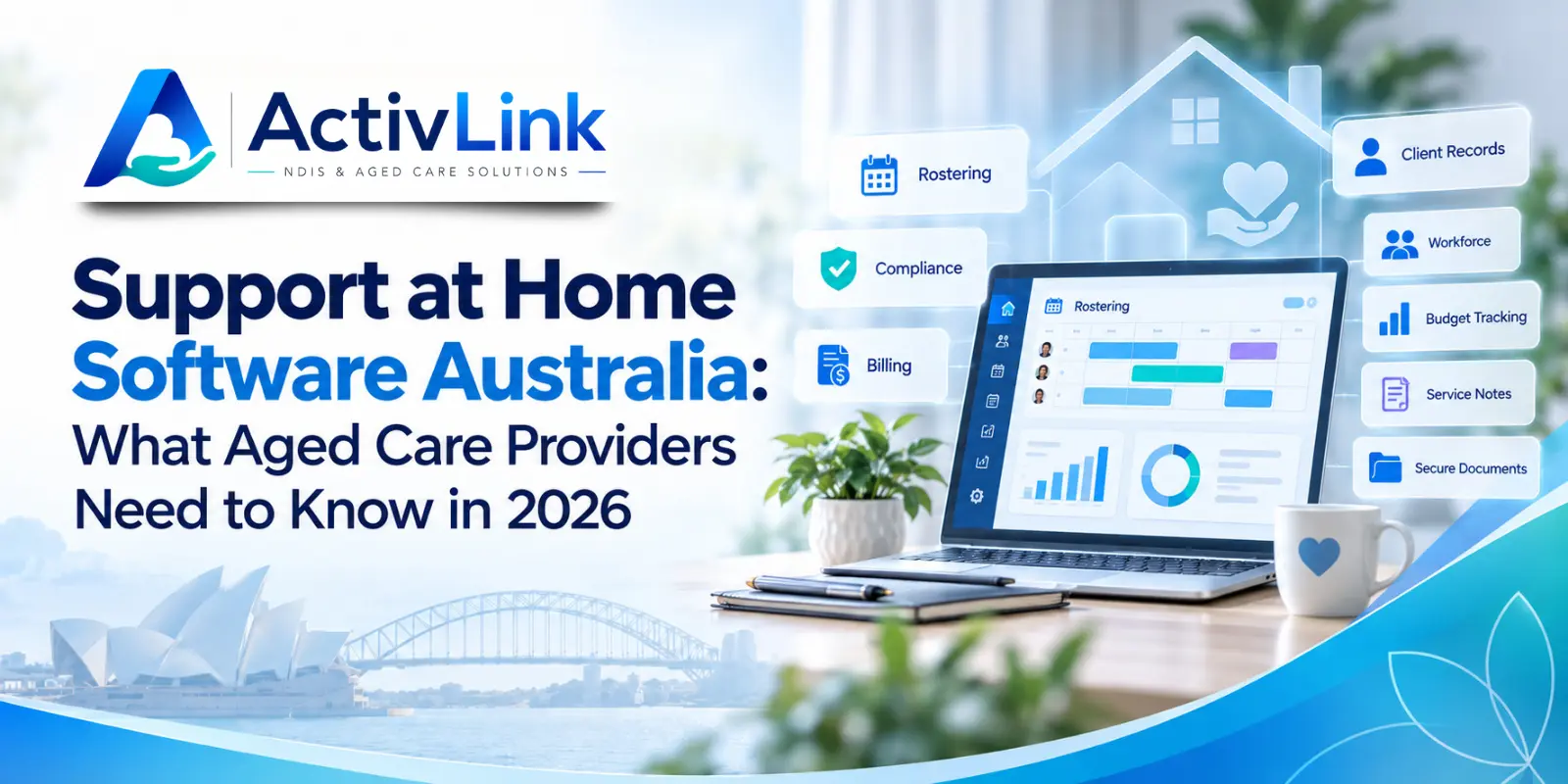
Australia’s home care environment changed significantly with the introduction of the Support at Home program. For aged care providers, the shift brings new expectations around service delivery, quarterly budgets, participant contributions, care management, claiming and record-keeping. Choosing the right Support at Home software can help organisations organise these workflows while reducing disconnected administration. When combined with reliable care workforce management software, providers can also manage staff, rostering, attendance and day-to-day service operations more efficiently.
What Is Support at Home Software?
Support at Home software is a digital platform used by aged care providers to organise operational and administrative processes associated with delivering Support at Home services. Depending on the platform, this may include client records, care information, rostering, workforce records, attendance, service-delivery evidence, billing data, budget monitoring, documents and reporting.
The aim is not simply to digitise paperwork. A well-connected system should help authorised teams see what was planned, what was delivered, who delivered it and what information is still required before the next administrative step.
For example, a scheduled home visit may connect to worker allocation, attendance confirmation, service notes and billing preparation. This can reduce repeated data entry and give managers a clearer view of everyday service delivery.
Why Support at Home Providers Need Connected Software in 2026?
Support at Home replaced the Home Care Packages Program and Short-Term Restorative Care Programme on 1 November 2025. In 2026, providers are working within a model that includes individualised budgets, quarterly funding, participant contributions, care management requirements and service-based claiming.
Under the program, participants accessing ongoing services are assigned one of eight funding classifications. Funding is allocated through quarterly budgets, while eligible unspent funds can generally carry forward up to $1,000 or 10% of the quarterly budget, whichever is greater. Providers must also give participants monthly statements outlining delivered services, contributions and remaining quarterly budget.
As a result, Support at Home software should make important operational information easier to record, review and retrieve. Software does not replace provider responsibilities, professional judgement or regulatory obligations. However, it can support more consistent processes and better visibility across care operations.
Key Features to Look for in Support at Home Aged Care Software
Centralised Client and Service Records
Providers need accurate information about participants, services, preferences, schedules and relevant documents. A central client record can help authorised users find current information without searching across spreadsheets, emails and separate folders.
Useful Support at Home software should also support clear access permissions. Care workers, coordinators, administrators and managers may require different levels of access, so role-based controls are an important consideration when assessing a platform.
Rostering and Workforce Coordination
Home care depends on getting the right worker to the right participant at the right time. Rostering tools should support recurring services, one-off visits, staff availability, shift changes and worker notifications.
A connected workforce platform can also help coordinators identify clashes or workforce gaps before they affect service delivery. For organisations with mobile teams, access to current roster information can reduce calls, messages and unnecessary manual follow-up.
Attendance and Evidence of Delivered Services
Under Support at Home, providers must keep evidence supporting services and purchases they claim. Claims should reflect services that have actually been delivered, including the relevant units and agreed prices.
Support at Home software can help connect scheduled visits with clock-in or attendance information, service notes and approval workflows. This gives administrators a clearer path from a planned service through to confirmed delivery and subsequent financial administration.
Quarterly Budget and Funding Visibility
Support at Home ongoing funding is allocated through quarterly budgets. Providers should regularly review individualised budgets to check that they reflect the participant’s current services, available funding and contribution arrangements.
For this reason, Support at Home software should make it easier to understand planned and delivered services against available funding. Clearer budget visibility can help teams identify potential overspend, underspend or changes that may require further review.
Providers should still confirm how a particular platform handles government funding information, transitioned Home Care Package funds, interim funding and short-term pathways before implementation.
Billing, Claims and B2G Workflows
Support at Home providers claim after services have been delivered. Claims need accurate service information, including delivered units and agreed unit prices, while providers are responsible for retaining supporting evidence.
Claims can be submitted through the Aged Care Provider Portal or suitable business-to-government (B2G) software, including individual and bulk claiming processes. However, not every aged care platform provides direct B2G submission.
Therefore, when comparing Support at Home software, providers should determine whether claiming is built directly into the platform, handled through an integration or completed separately through the government portal.
This distinction matters because a strong internal workflow can still improve claim preparation even where final submission happens through another system.
Participant Contributions and Monthly Statements
Providers are responsible for establishing processes for collecting participant contributions where they apply. Contributions also need to be recorded within the participant’s individualised budget and monthly statement.
From 1 October 2026, personal care services move from the Independence contribution category to Clinical Supports. This means the Australian Government will fully fund personal care services and participants will no longer pay contributions for those services.
Support at Home software should therefore be flexible enough to accommodate changing program settings while making relevant financial information easier for authorised staff to manage.
How Care Workforce Management Fits Into Support at Home?
Support at Home administration is only one part of daily provider operations. Organisations also need to manage workers, availability, qualifications, leave, rosters, attendance, records and communication.
That is where care workforce management software becomes particularly relevant. Connecting workforce information with service delivery can reduce the gap between what coordinators schedule and what workers actually complete.
For example, when a worker becomes unavailable, a coordinator may need to identify a suitable replacement, update the roster and ensure the change reaches the correct people. After the visit, attendance and service information may then need to move through review, approval and billing processes.
A Support at Home software makes these hand-offs easier to follow and can reduce the need to manually transfer information between multiple platforms.
Can Support at Home Software Help With Compliance?
Software can support compliance-related administration, but it cannot make an aged care provider compliant by itself. Providers remain responsible for understanding and meeting their legal, regulatory, program and quality obligations.
Nevertheless, Support at Home software can help organisations maintain structured records, permissions, documents, service histories and audit trails. These functions can make relevant evidence easier to locate during internal reviews, audits or investigations.
Providers should evaluate whether a system records who created or changed information, when actions occurred, what was approved and whether relevant reports or records can be exported when required.
Support at Home Software vs Spreadsheets and Separate Systems
Spreadsheets can work when an organisation is small and workflows are relatively simple. However, they can become harder to manage as participant numbers, staff, services and administrative responsibilities grow.
Separate rostering, attendance, billing and document systems may create similar problems. Staff can end up entering the same information multiple times, reconciling inconsistent records or manually transferring data from one platform to another.
Support at Home software can reduce this fragmentation when its modules and integrations match the provider’s actual workflow. The goal should not be to choose the platform with the longest feature list. Instead, providers should look for technology that helps teams complete everyday work accurately and consistently.
How to Choose Support at Home Software in Australia?
Before selecting a platform, map your existing workflow from participant onboarding through to scheduling, service delivery, attendance, billing and reporting. This makes it easier to identify where information is duplicated, delayed or difficult to verify.
When assessing Support at Home software, aged care providers should ask practical questions:
- Can existing client and staff information be imported securely?
- Does the system support recurring and one-off services?
- Can staff availability and leave inform rostering?
- How is attendance recorded, reviewed and approved?
- Can delivered service records support billing preparation?
- Does the platform provide appropriate budget-management functionality?
- How are participant contributions and monthly statements handled?
- Does it provide direct B2G claiming, an integration or portal-based claim preparation?
- Are role-based permissions and audit trails available?
- Can authorised users export records and reports?
- Is mobile access practical for workers delivering services in the community?
- What onboarding, support and training are included?
- Which aged care functions are live today and which are planned?
Testing realistic end-to-end workflows during a product demonstration can be more useful than comparing feature lists alone.
Preparing Your Organisation for Better Support at Home Workflows
Software implementation should begin with process design rather than technology alone. Providers should document how participant information, rosters, delivered services, approvals, billing and records move between teams today.
Next, decide which information needs to be migrated and who will validate it. Access permissions should be configured carefully, while realistic workflows should be tested before the system is rolled out more broadly.
A staged implementation can also help. For example, a provider may initially improve staff records and rostering before introducing attendance, service documentation, billing or other aged-care-specific workflows.
This approach gives teams time to become comfortable with new processes while helping managers identify issues before they affect a larger part of the organisation.
What Should Providers Expect From Support at Home Technology in 2026?
Australian aged care providers increasingly need systems that connect operational activity rather than simply store isolated pieces of information.
Scheduling should relate to workforce availability. Attendance should help confirm service delivery. Approved records should support financial administration. Managers should also be able to find relevant operational information without rebuilding reports from several separate systems.
Therefore, choosing Support at Home software should be based on how well the platform supports real provider workflows, not simply whether it carries an aged care label.
Providers should also consider scalability. A system that works for ten workers should ideally remain manageable as participant numbers, employees, locations and service volumes increase.
Activlink is care workforce management software for Australian NDIS, disability support and aged care providers, bringing workforce records, rostering, attendance, client information and operational administration into one connected platform. Activlink currently identifies its core workforce, scheduling, attendance and reporting functionality separately from aged-care-specific workflows that are being progressively developed and released.
If your organisation is comparing Support at Home software, contact us to discuss your current workforce and service-management processes, available modules and the aged care functionality relevant to your organisation. Choosing scalable care workforce management software can help reduce fragmented administration, improve operational visibility and give your team a clearer foundation for delivering coordinated care.
Related articles
Aged Care Workforce Reporting Software: What Should Australian Providers Test in a Demo?
Choosing aged care workforce reporting software? Discover what Australian providers should test in a demo, from attendance records and report accuracy to permissions, audit trails and exports. Use practical scenarios to assess whether a platform meets your team’s everyday reporting needs.
Aged Care Software for Small Providers: 12 Questions to Ask Before You Buy
Choosing aged care software for small providers? Explore 12 practical questions Australian providers should ask before buying, covering features, pricing, data security, onboarding and ongoing support. Use this guide to compare platforms and find software that suits your team, services and budget.
Aged Care Rostering Software: How Can Australian Providers Avoid Scheduling Conflicts?
Discover how aged care rostering software can help Australian providers reduce scheduling conflicts, manage staff availability and coordinate home visits. Explore practical ways to check overlapping shifts, allow for travel time and handle last-minute changes, alongside key features to assess when choosing software for your care team.