
Aged Care Provider Software vs Multiple Systems: Which Is Better for Australian Providers?
Choosing between aged care provider software and multiple disconnected systems can directly affect rostering, staff management, billing, compliance and day-to-day efficiency. This guide compares both approaches to help Australian aged care providers decide which setup offers better visibility, less admin and more connected care operations.
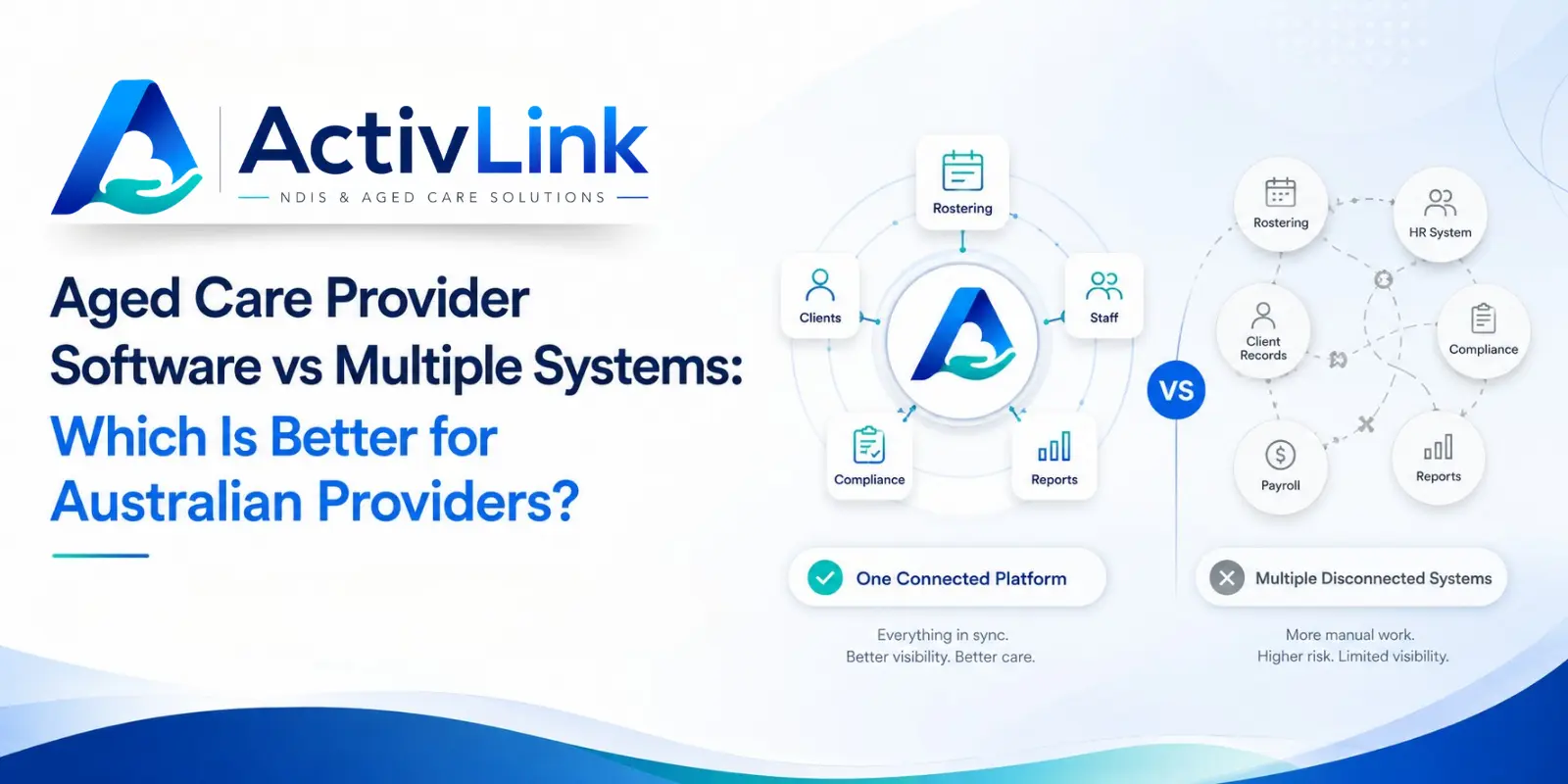
Australian aged care organisations often manage staff, clients, rosters, attendance, records, billing and compliance across several tools. As services grow, that fragmented setup can create duplicate work and reduce visibility. Choosing the right aged care provider software can help bring core operations together, while working with an Australian care software company can make it easier to assess local workflows, data requirements and provider needs.
Aged Care Provider Software vs Multiple Systems: The Short Answer
For many Australian providers, an all-in-one platform is the better option when it reliably supports their core workflows. It can reduce repeated data entry, simplify staff access and create a clearer connection between rostering, attendance, client information and administration.
However, multiple systems can still be appropriate when specialist clinical, finance or enterprise functions are required. The best decision is not about using the fewest tools possible. It is about choosing a technology setup that is accurate, practical, secure and easy for teams to use.
In most cases, strong aged care provider software should centralise everyday care operations while still supporting useful integrations where specialist systems add genuine value.
What Is All-in-One Aged Care Provider Software?
An all-in-one care platform combines several operational functions in one environment. Depending on the product, this may include staff profiles, client records, rostering, recurring shifts, leave, attendance, progress notes, documents, permissions, billing and reporting.
Instead of entering the same information into several places, aged care provider software can allow related workflows to use shared data. For example, a scheduled service can be linked with the worker, client, attendance record and service documentation.
This creates a more connected operational workflow. It does not mean every provider needs every feature, but it can reduce the number of disconnected steps staff need to manage each day.
What Does a Multiple-System Setup Look Like?
A provider using multiple systems might have one platform for rostering, another for client records, spreadsheets for worker qualifications, separate accounting software, a messaging app and shared folders for documents.
Each tool may perform its individual task well. Problems usually appear when information has to move between them manually. A change to worker availability may need to be updated in more than one place. A completed shift may need to be checked against timesheets, notes and billing records.
Over time, this can lead providers to compare their existing stack with aged care provider software that connects more of these tasks.
1. Connected Records vs Duplicate Data Entry
One major benefit of a connected platform is that staff, client and service information can be linked rather than recreated across separate databases.
With multiple systems, teams may repeatedly enter names, dates, service details or shift information. Every additional entry creates another opportunity for outdated or inconsistent records.
Well-configured aged care provider software can reduce this duplication and help authorised users work from more consistent information. Providers still need clear procedures for data ownership, review and correction because software cannot replace good governance.
2. Rostering and Workforce Management
Rostering is often where fragmented systems become most visible. Coordinators need to consider availability, leave, recurring services, qualifications, shift changes and worker allocation.
If those details sit in several tools, making a roster change may involve manual checking across spreadsheets, calendars and staff records. In contrast, aged care provider software can bring workforce and scheduling information into the same workflow.
This can help coordinators identify conflicts earlier, manage recurring shifts more efficiently and communicate changes with less manual follow-up.
3. Attendance, Timesheets and Billing
Separate systems can create a gap between what was scheduled, what happened and what is ready for financial processing. Administrators may spend significant time comparing rosters, attendance records, timesheets and billing information.
When aged care provider software connects scheduling with attendance, completed shift information can move through a clearer review process. That can reduce re-keying and make exceptions easier to identify.
Before choosing a platform, providers should confirm which billing, payroll and accounting functions are included and which depend on external integrations.
4. Compliance Records and Audit Readiness
Australia's strengthened Aged Care Quality Standards have applied since 1 November 2025. They are more detailed and measurable than the previous standards, and providers in relevant registration categories must meet applicable requirements.
Technology does not make a provider compliant by itself. However, aged care provider software can support better administrative discipline by helping teams organise workforce records, permissions, incidents, documents and audit histories.
The Aged Care Quality and Safety Commission also highlights workforce planning, appropriate qualifications, skills and experience as relevant provider obligations. Therefore, reliable record keeping should be considered when comparing software options.
5. Staff Experience and Training
Aged care provider software can also affect staff experience. Using several systems often means multiple logins, different interfaces and separate training processes. Staff may also be unsure which platform should be used for a particular task.
A connected system can make day-to-day use simpler when common functions are accessed through one account. This is particularly valuable for mobile care workers who need quick access to shifts, client details and service documentation.
When evaluating aged care provider software, involve coordinators, administrators and frontline workers. A long feature list has little value if the platform is difficult to use consistently.
6. Reporting and Management Visibility
Managers need a reliable view of staffing, attendance, service activity and operational issues. When information is split across systems, reporting may require exports, spreadsheet merging and manual reconciliation.
Connected aged care provider software can improve visibility because information comes from related workflows rather than isolated tools. This can help managers review current activity without waiting for several teams to prepare separate updates.
Providers should still confirm which reports are available, how data can be filtered and whether records can be exported when required.
7. Integrations and Specialist Systems
All-in-one should not mean closed. Many providers still need accounting, payroll or specialist platforms, and good integrations can form an important part of the technology stack.
For larger organisations, multiple best-of-breed systems may be appropriate when advanced finance, clinical or enterprise functions are essential. The challenge is ensuring integrations are dependable and teams understand which system holds the authoritative record.
Therefore, the best aged care provider software often centralises core workforce and care operations while connecting sensibly with specialist tools where needed.
8. Software Cost and Total Operational Cost
Multiple subscriptions can look affordable when each system is considered separately. However, the total cost may also include implementation, integrations, staff training, duplicate administration and time spent reconciling information.
An integrated system may consolidate some of those costs, but providers should compare more than the monthly subscription fee. Consider onboarding, migration, support, integrations and the internal time required to maintain each setup.
Before selecting aged care provider software, ask for clear pricing and confirm which capabilities are included in the relevant plan.
When Are Multiple Systems the Better Choice?
Before replacing specialist tools with aged care provider software, providers should assess what each system does best. Multiple systems may be the better option when your organisation requires specialised clinical functions, complex finance workflows, a mandated external platform or an enterprise system that cannot realistically be replaced.
They can also work effectively when integrations are proven, and staff have clear processes for moving information between systems.
However, if teams are copying data repeatedly, maintaining parallel spreadsheets or correcting mismatched records, the technology stack may be creating unnecessary operational friction.
When Is All-in-One Aged Care Provider Software Better?
An integrated platform is worth considering when the organisation wants to reduce manual administration, improve roster visibility and connect staff, clients, attendance and records.
This can be particularly useful for growing providers. Processes that work with a small team may become difficult to control as staff numbers, clients, locations and service volumes increase.
The right aged care provider software should also offer appropriate permissions, usable mobile access, reliable audit trails and options to export or integrate data where required.
How Should Australian Providers Choose Aged Care Provider Software?
Start by mapping your current workflow from client setup through scheduling, service delivery, attendance, documentation and billing. Identify where staff enter information more than once, where spreadsheets are still required and where errors or delays occur.
Then ask:
- Which operational workflows can the platform manage today?
- Can staff and client records be imported?
- How are roles, permissions and audit logs handled?
- Can recurring shifts and roster changes be managed efficiently?
- What mobile functions are available to workers?
- Which accounting, payroll or billing integrations are supported?
- Where is data hosted and how is it protected?
- What onboarding, migration and support are included?
- Can your organisation export its data later?
- Which aged care features are live and which are planned?
These questions make an aged care provider software comparison more useful than simply counting features.
How Activlink Supports Connected Australian Care Operations?
Activlink is built around Australian care operations and currently brings together core workforce functions including staff and client records, rostering, attendance, notes, permissions and operational administration.
Activlink's website states that some dedicated aged care capabilities, including CHSP, Home Care Packages and Statement of Available Funds features, are still coming soon, so providers should confirm current module availability before purchasing.
When comparing aged care provider software, providers should distinguish between capabilities available today and functions still being released. For organisations that also deliver NDIS services, a shared workforce platform can reduce the need to maintain separate processes for common operational tasks such as scheduling, staff records, attendance and access management.
Choosing between multiple tools and aged care provider software is ultimately about creating a simpler, more reliable operating model for your team. Activlink helps connect staff, clients, rosters, attendance and operational records, with current capabilities clearly outlined before you commit. If you are looking for an Australian care software company that understands local care-provider workflows, contact us to explore whether a more connected approach is right for your organisation.
Related articles
Aged Care Software for Small Providers: 12 Questions to Ask Before You Buy
Choosing aged care software for small providers? Explore 12 practical questions Australian providers should ask before buying, covering features, pricing, data security, onboarding and ongoing support. Use this guide to compare platforms and find software that suits your team, services and budget.
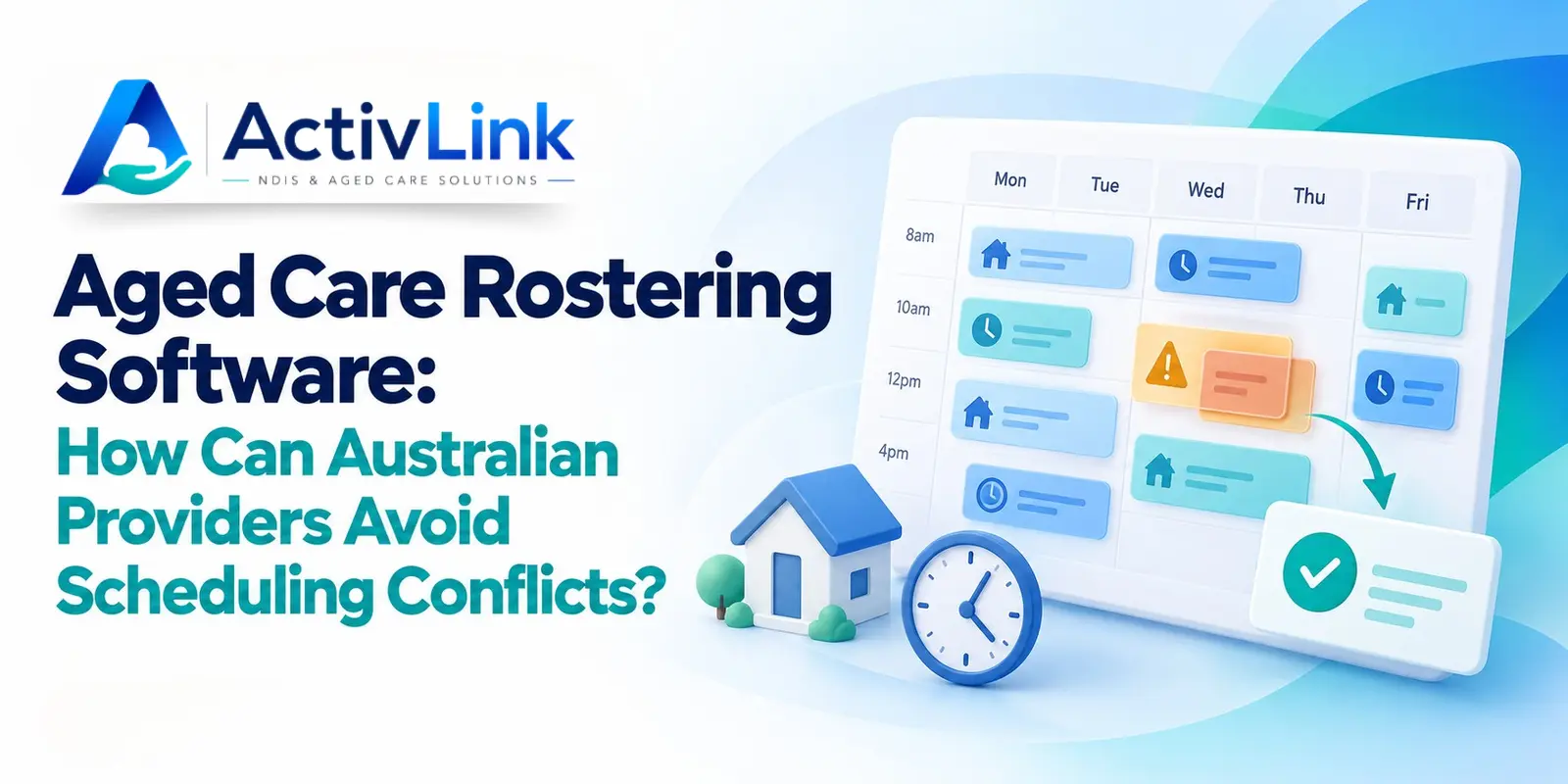
Aged Care Rostering Software: How Can Australian Providers Avoid Scheduling Conflicts?
Discover how aged care rostering software can help Australian providers reduce scheduling conflicts, manage staff availability and coordinate home visits. Explore practical ways to check overlapping shifts, allow for travel time and handle last-minute changes, alongside key features to assess when choosing software for your care team.
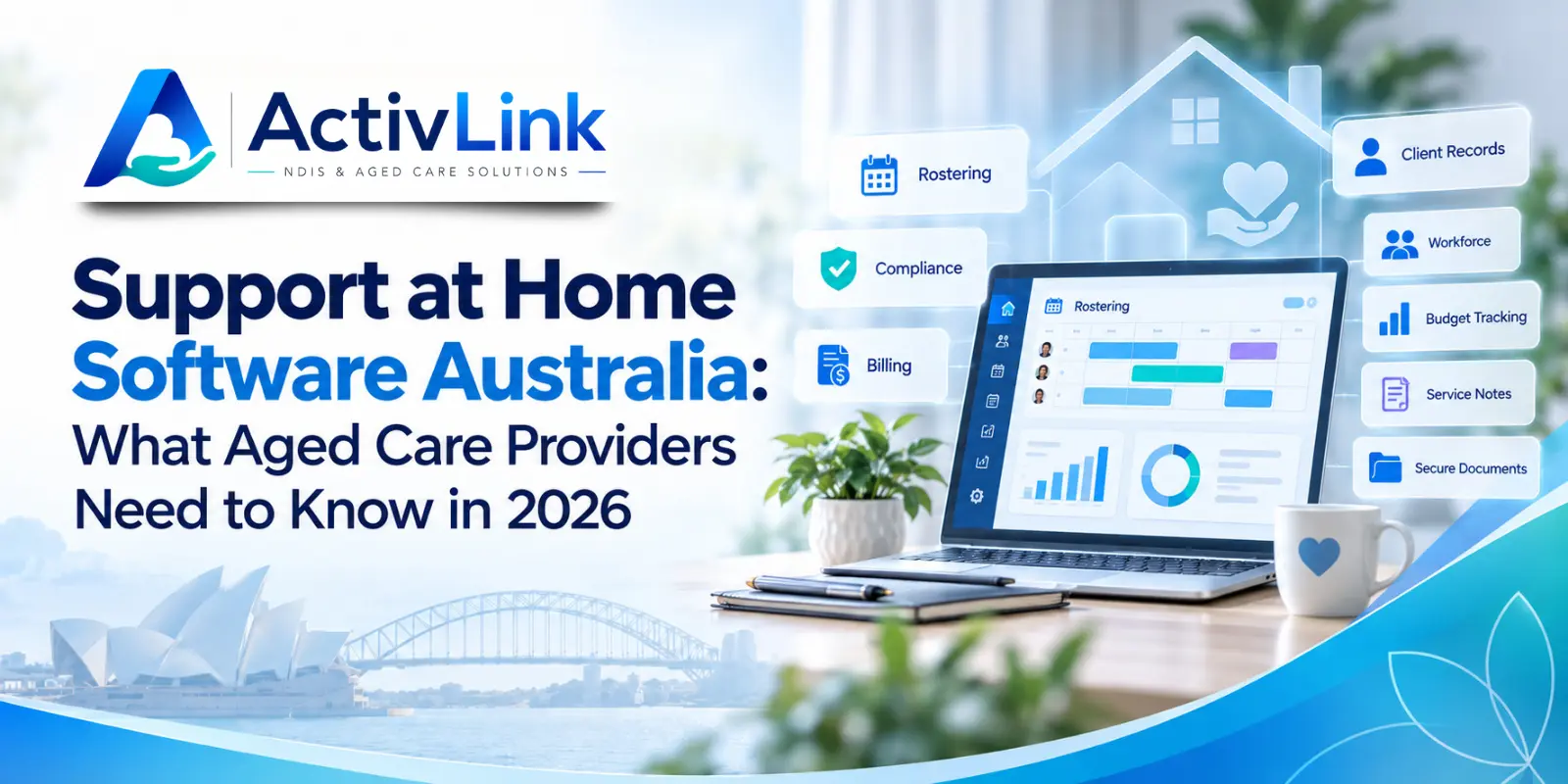
Support at Home Software Australia: What Aged Care Providers Need to Know in 2026
Support at Home software can help Australian aged care providers manage rostering, workforce records, budgets, claims, compliance and day-to-day service delivery more efficiently. This 2026 guide explains what providers should look for when choosing software to support connected care operations.