
How Does Aged Care Client Management Software Improve Care Coordination for Australian Providers?
Discover how aged care client management software can help Australian providers improve care coordination by connecting client records, staff, rostering, progress notes and service information. Learn how a more centralised system can reduce admin, improve visibility and support more consistent day-to-day care operations.
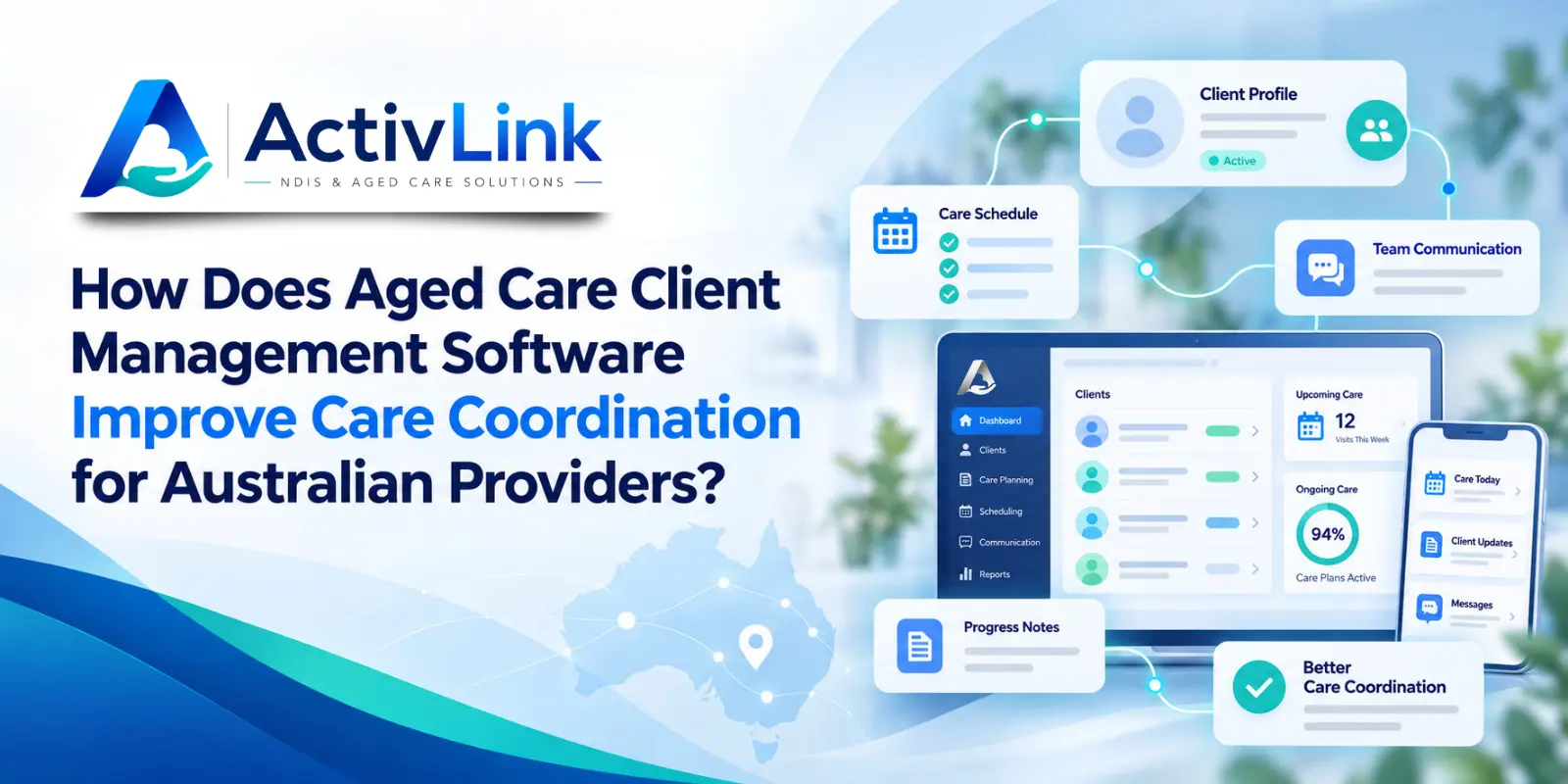
Australian aged care providers coordinate people, schedules, client information, service records and daily communication across busy teams. When those details sit in separate spreadsheets, emails or paper files, it becomes harder to maintain a clear view of each client’s needs. As an Australian care software company, Activlink is focused on helping providers bring important workforce and client information into more connected workflows. Aged care client management software can support this approach by giving authorised team members a more consistent way to access, update and use information across day-to-day care operations.
What Is Aged Care Client Management Software?
Aged care client management software is a digital system designed to help care providers organise client details, service information, documents, notes and related operational records in one place. Depending on the platform, it may also connect those records with staff management, rostering, attendance, billing and reporting.
For Australian providers, the value is not simply storing information electronically. Instead, the real benefit comes from making relevant information easier to find and use when coordinators, care workers and administrators need to make decisions or complete tasks.
When aged care client management software connects client information with workforce activity, providers can reduce repeated data entry and give teams a clearer operational picture.
Why Care Coordination Matters for Australian Aged Care Providers?
Care coordination involves making sure the right people have the right information at the right time. This can include understanding a client’s preferences, planned services, current notes, scheduled workers, service history and any changes that may affect delivery.
Australian aged care guidance places importance on effective communication, information management and coordination between the people involved in an older person’s care. The Aged Care Quality and Safety Commission also highlights the role of information management systems when providers plan and coordinate care and transitions between services or settings.
Without a shared system, staff may rely on phone calls, emails, spreadsheets or separate applications. That can create delays, duplicated work and inconsistent records. In this environment, aged care client management software can provide a shared operational reference point that helps teams organise these moving parts more clearly.
Under Support at Home, care management and service coordination are central provider responsibilities under the single-provider model. This makes accurate, accessible information particularly important when teams are coordinating ongoing services, changes in needs and communication with older people and their supporters.
Aged care client management software can also help coordinators maintain greater visibility across client information, scheduled services and workforce activity without relying on multiple disconnected records.
How Aged Care Client Management Software Creates a Central Client Record?
One of the most practical benefits of aged care client management software is having a central location for client information. Rather than searching through several files or systems, authorised staff can work from a shared record.
A well-structured client profile may include contact information, service details, preferences, agreements, notes, documents and other information relevant to service delivery. This creates a clearer reference point for coordinators and care teams.
Centralisation does not remove the need for good governance, accurate data entry or appropriate permissions. However, it can make those processes easier to manage because information is organised in a consistent system.
Connecting Client Information With Staff Rostering
Care coordination is closely linked with workforce coordination. A client may have clear service requirements, but the provider still needs to schedule suitable workers at the right time.
Aged care client management software becomes more useful when it connects client records with staff availability, rosters and service information. Coordinators can then view client needs alongside workforce capacity instead of moving between disconnected tools.
For example, a shared system can help teams check scheduled services, identify who is assigned to a shift and review the client information relevant to that service. Consequently, providers gain better visibility across the coordination process and can reduce avoidable administrative back-and-forth.
Giving Care Workers Access to Relevant Client Information
Frontline workers often need practical information while delivering services in the community or in care settings. If that information is only available in an office system or spreadsheet, workers may need to contact coordinators for routine details.
With appropriate access controls, aged care client management software can make relevant client and shift information available to workers when they need it. This may include addresses, service details, care notes, shift information or other approved records.
The goal is not to give every staff member access to everything. Instead, providers should use role-based access so workers, coordinators and administrators can see information appropriate to their responsibilities.
Activlink, for example, currently provides mobile-friendly worker access to shifts, client details, care notes and progress-note functionality through its Progressive Web App, alongside configurable permissions for provider teams.
Improving Progress Notes and Service Documentation
Good coordination depends on information flowing back from service delivery to the wider team. Progress notes and service records can help coordinators understand what occurred during a visit, identify follow-up tasks and maintain continuity.
When notes are recorded close to the time of service, teams have a more current operational record. Aged care client management software can support this process by connecting notes and service information to the relevant client and shift.
This can also reduce the need to transfer information manually from paper forms, messages or separate note-taking tools into a central record later.
Furthermore, better-organised records can make it easier for authorised team members to understand what has happened previously and what may require attention next.
Reducing Duplicate Data Entry and Disconnected Systems
Repeatedly entering the same information into different systems creates unnecessary administration and increases the chance of inconsistencies. A provider might otherwise maintain one file for clients, another for rosters, another for staff attendance and separate records for billing or documentation.
Aged care client management software can help reduce this fragmentation when it forms part of a connected care operations platform. Shared client, staff and shift information can be used across multiple workflows instead of being recreated for each task.
For growing providers, this can make everyday administration easier to follow and give managers a clearer view of what is happening across the organisation.
In addition, reducing unnecessary duplication can give coordinators more time to focus on service planning, workforce issues and communication rather than repeatedly updating administrative records.
Supporting Clearer Communication Across Care Teams
Software does not replace communication between people. However, it can give those conversations a more reliable information base.
If coordinators, administrators and care workers are working from current records, they are less likely to depend on outdated spreadsheets or long email chains. Aged care client management software can therefore support clearer handovers, follow-up and day-to-day coordination by keeping important operational information connected.
This can be particularly valuable when several people are involved in supporting the same client or when services are delivered across different locations and shifts.
For example, if a coordinator can review current service information while a worker can access the details relevant to their scheduled visit, both sides are working from a more consistent operational picture.
Using Permissions to Protect Client Information
Client information is sensitive, so accessibility must be balanced with privacy and security. Australian providers should consider how a system controls who can view, add or change information.
Role-based permissions can help organisations limit access according to responsibilities. Audit histories can also help providers understand when records were changed and by whom. For this reason, aged care client management software should be assessed not only for convenience, but also for how well it supports controlled access and accountable recordkeeping.
When assessing aged care client management software, providers should ask about access controls, data hosting, backups, audit logs and privacy practices. Technology should support the organisation’s privacy and governance processes rather than replace them.
Activlink states that its operational data can include client records, staff records, attendance logs and shift information, and its privacy framework references the Privacy Act 1988 (Cth) and Australian Privacy Principles.
How Client Management Software Supports Consistent Service Delivery?
Consistency becomes harder when client information, staff schedules and service records are maintained separately. Connected information gives teams more context before, during and after a service.
Aged care client management software can help providers link the client record with the operational activities surrounding service delivery. Coordinators can see what is scheduled, workers can access relevant information, and completed service records can feed back into the organisation’s administrative workflow.
As a result, teams can spend less time searching for information and more time acting on it.
However, technology should be viewed as an operational support tool rather than a replacement for professional judgement, person-centred planning, communication or provider governance.
What Should Australian Providers Look for in a Client Management Platform?
The right platform should reflect the provider’s actual operating model. Before choosing a system, consider how staff currently manage clients, rosters, attendance, documents, communication, reporting and billing.
Key Client and Workforce Management Features to Assess
Providers may want to review:
- Centralised client profiles and records
- Staff and workforce management
- Rostering and recurring shifts
- Mobile access for workers
- Progress notes and service documentation
- Role-based permissions
- Attendance and time approvals
- Document storage
- Audit trails and reporting
- Data import and migration options
- Australian data hosting and privacy practices
- Clear information about which aged care modules are currently available
The strongest solution is not necessarily the platform with the longest feature list. When comparing aged care client management software, providers should focus on how well each platform fits real workflows, reduces unnecessary duplication and can be implemented in a practical way.
How Activlink Supports Connected Care Operations?
Activlink brings client records, staff information, schedules, attendance, progress notes, documents, permissions and operational reporting into one platform. Workers can access approved shift and client information through a mobile-friendly Progressive Web App, while coordinators can manage schedules, attendance approvals and operational follow-up.
Activlink is also developing dedicated aged care workflows for Australian providers. Because module availability can change as the platform evolves, providers should confirm which aged care functions are currently available for their organisation before implementation.
For teams moving away from spreadsheets, Activlink also supports CSV imports for core records, helping providers bring existing client, staff and shift information into a more structured environment.
Better care coordination starts with giving teams clearer access to the information behind daily services. If your organisation is reviewing aged care client management software, Activlink can help you explore how connected client records, workforce information, rostering, attendance and operational records may fit your workflows. As an Australian care software company focused on NDIS and aged care providers, Activlink offers Australian-hosted care workforce management technology designed around practical provider operations. Contact us to discuss your organisation’s workflows, available modules, pricing, or to book an Activlink demo.
Related articles
Aged Care Workforce Reporting Software: What Should Australian Providers Test in a Demo?
Choosing aged care workforce reporting software? Discover what Australian providers should test in a demo, from attendance records and report accuracy to permissions, audit trails and exports. Use practical scenarios to assess whether a platform meets your team’s everyday reporting needs.
Aged Care Software for Small Providers: 12 Questions to Ask Before You Buy
Choosing aged care software for small providers? Explore 12 practical questions Australian providers should ask before buying, covering features, pricing, data security, onboarding and ongoing support. Use this guide to compare platforms and find software that suits your team, services and budget.
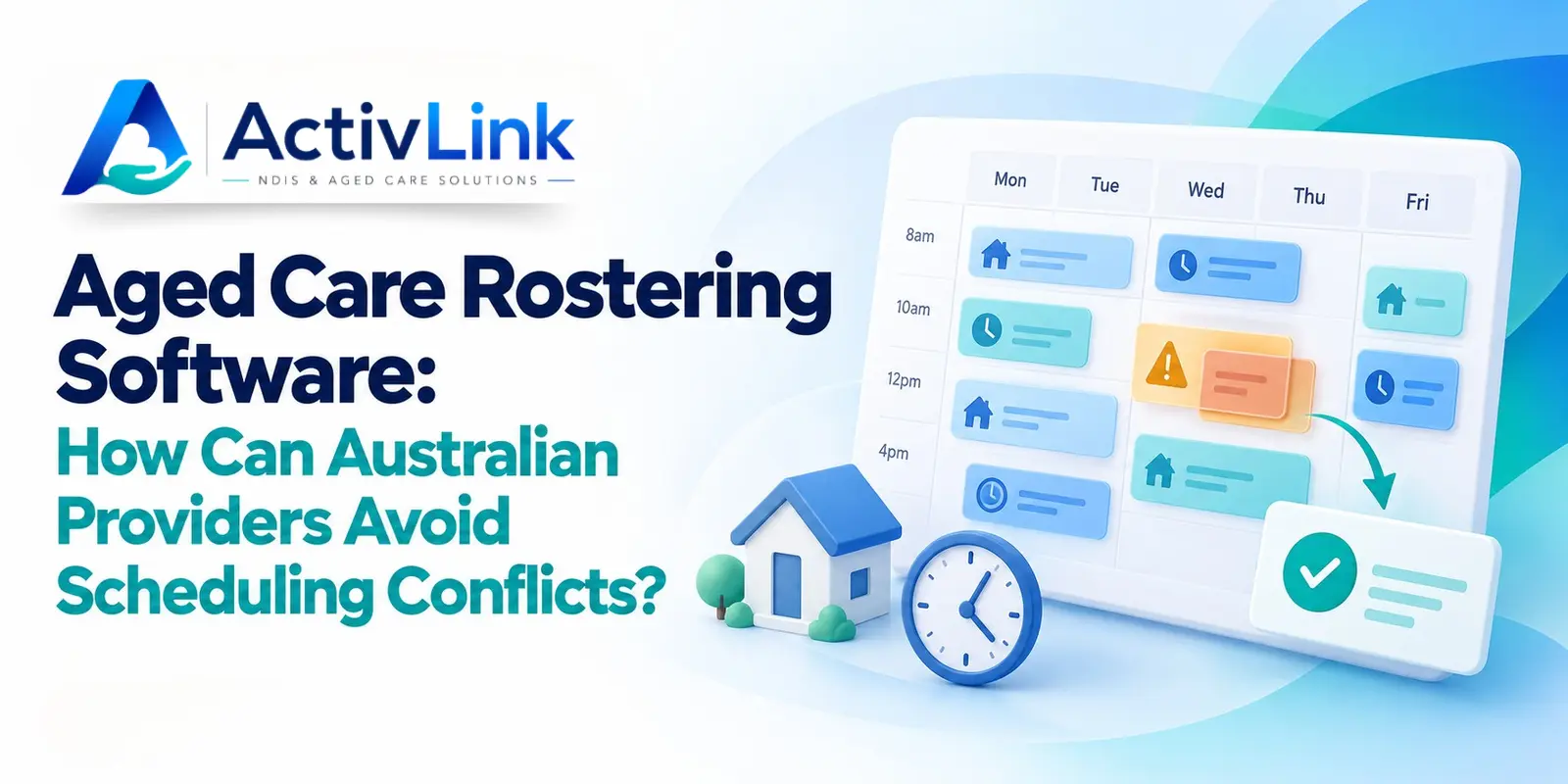
Aged Care Rostering Software: How Can Australian Providers Avoid Scheduling Conflicts?
Discover how aged care rostering software can help Australian providers reduce scheduling conflicts, manage staff availability and coordinate home visits. Explore practical ways to check overlapping shifts, allow for travel time and handle last-minute changes, alongside key features to assess when choosing software for your care team.